

01FabiRide Dash Pro · Talaria
The Talaria display built for the whole ride.
Live vitals worth glancing at, every ride saved, music and calls on the bars - and riding aids your Talaria never had. This is the cockpit it should have shipped with.
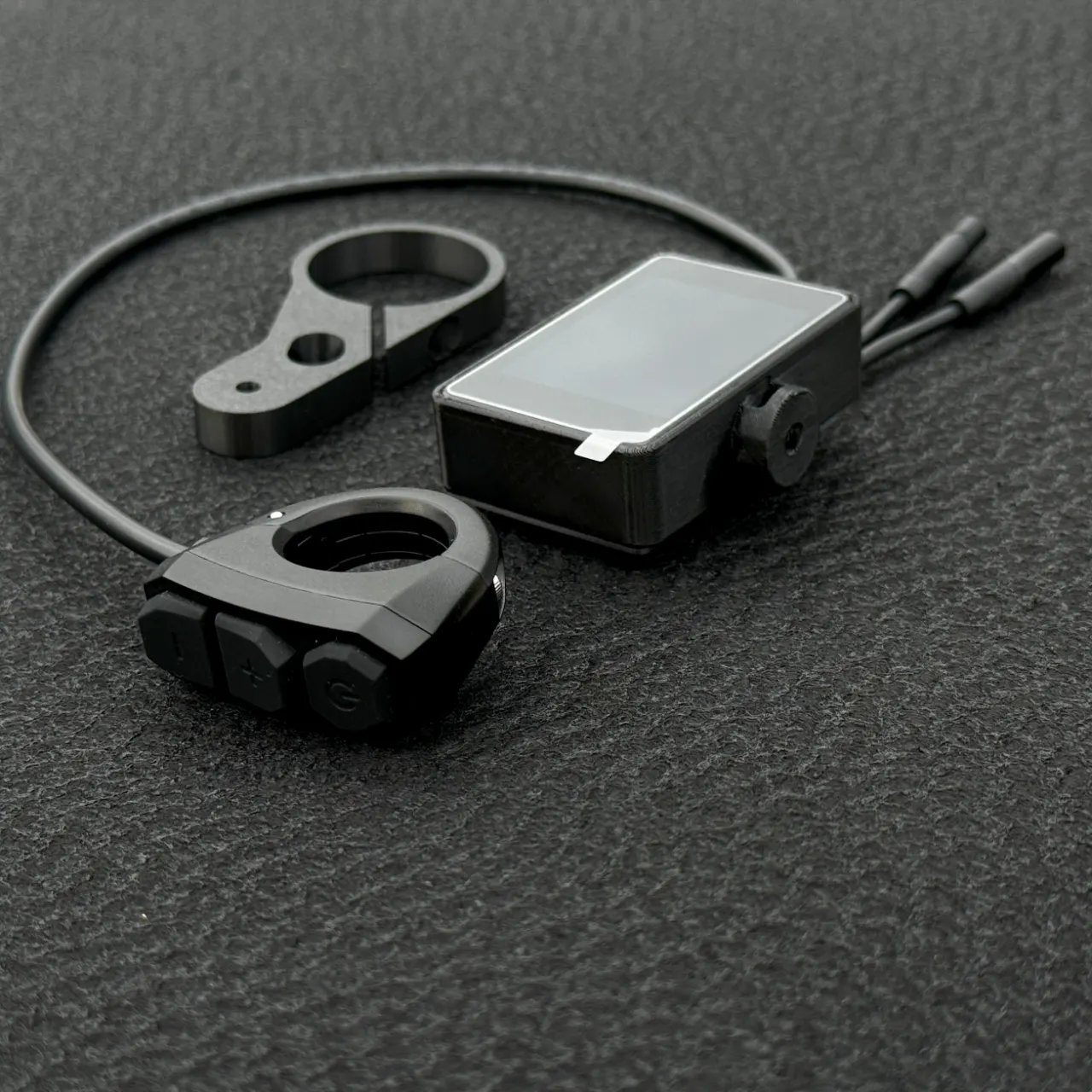
02On the bars
A quick look around.
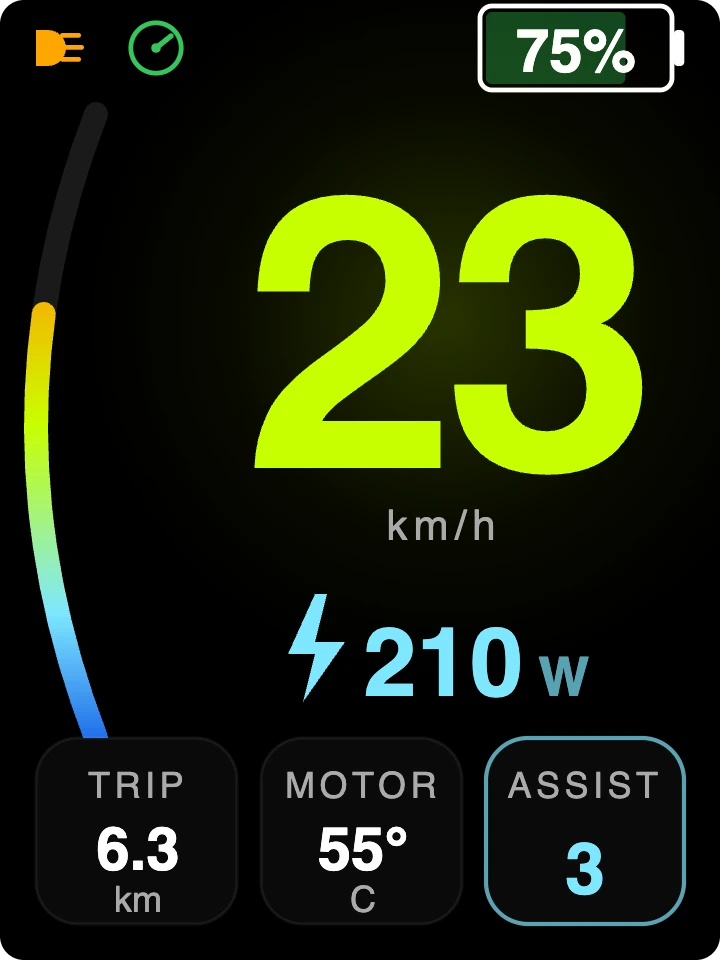
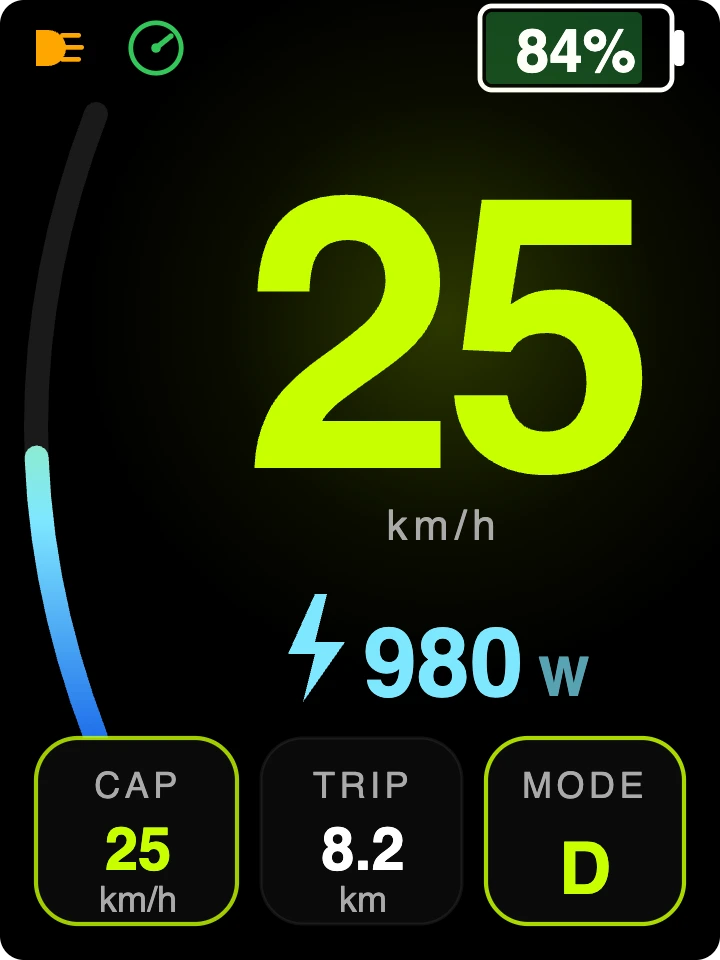
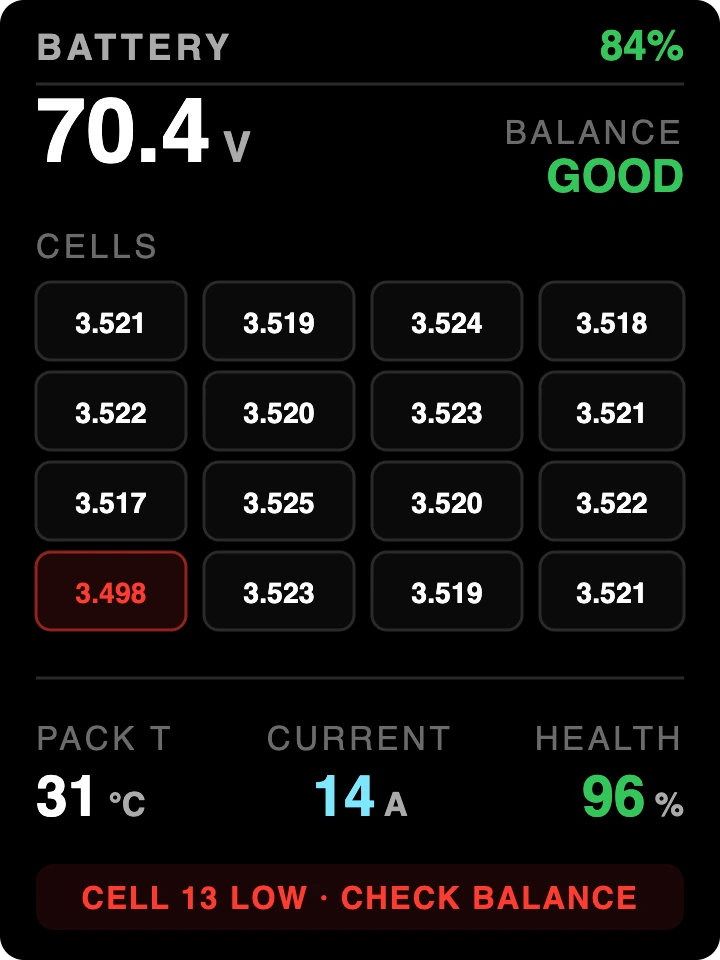
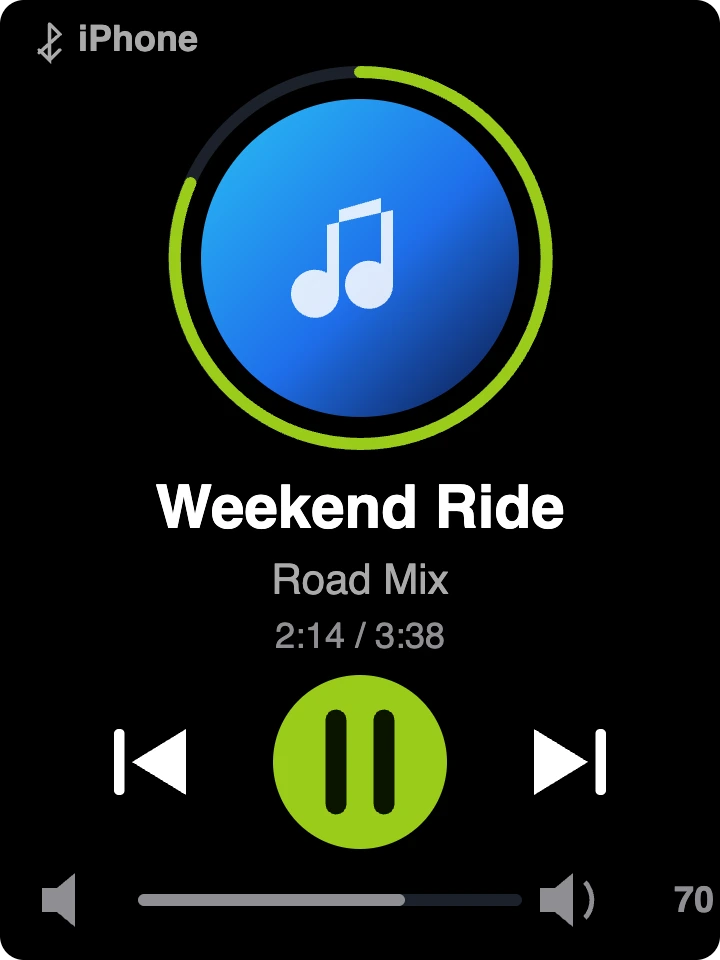
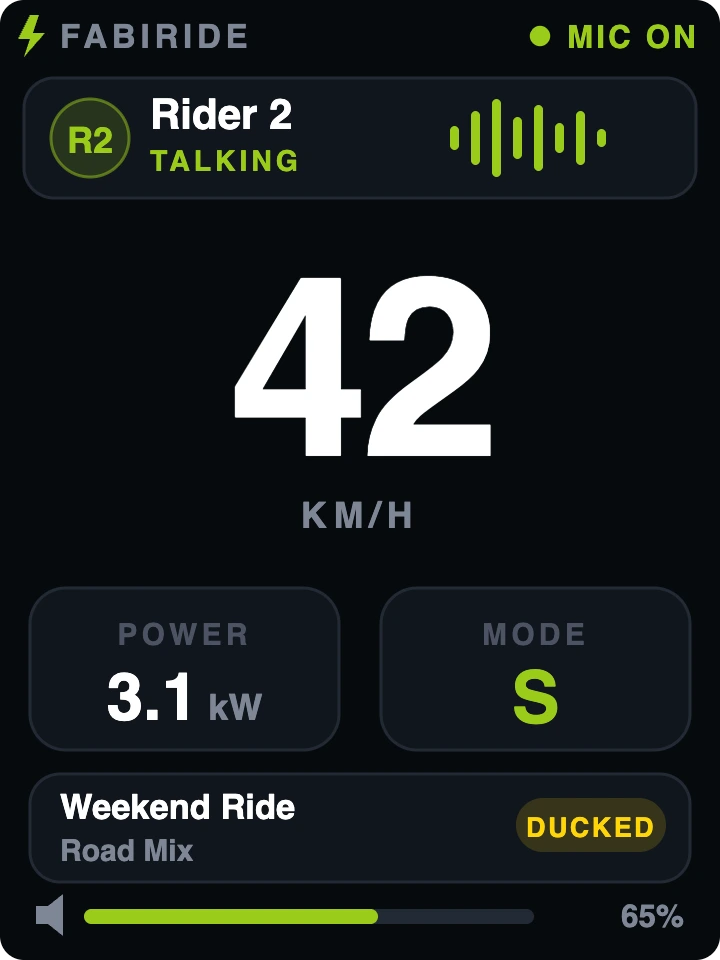
Drag sideways to browse.
03Riding aids
Smarter under your thumb.
Cruise control
Set a pace and give your wrist a rest - even though the Talaria never had cruise.
Grip assist
Reins in wheelspin on loose ground. Optional, off until you want it.
Wheelie coach
Practise with a safety net that catches the front end early. MX5 builds - ask us about yours.
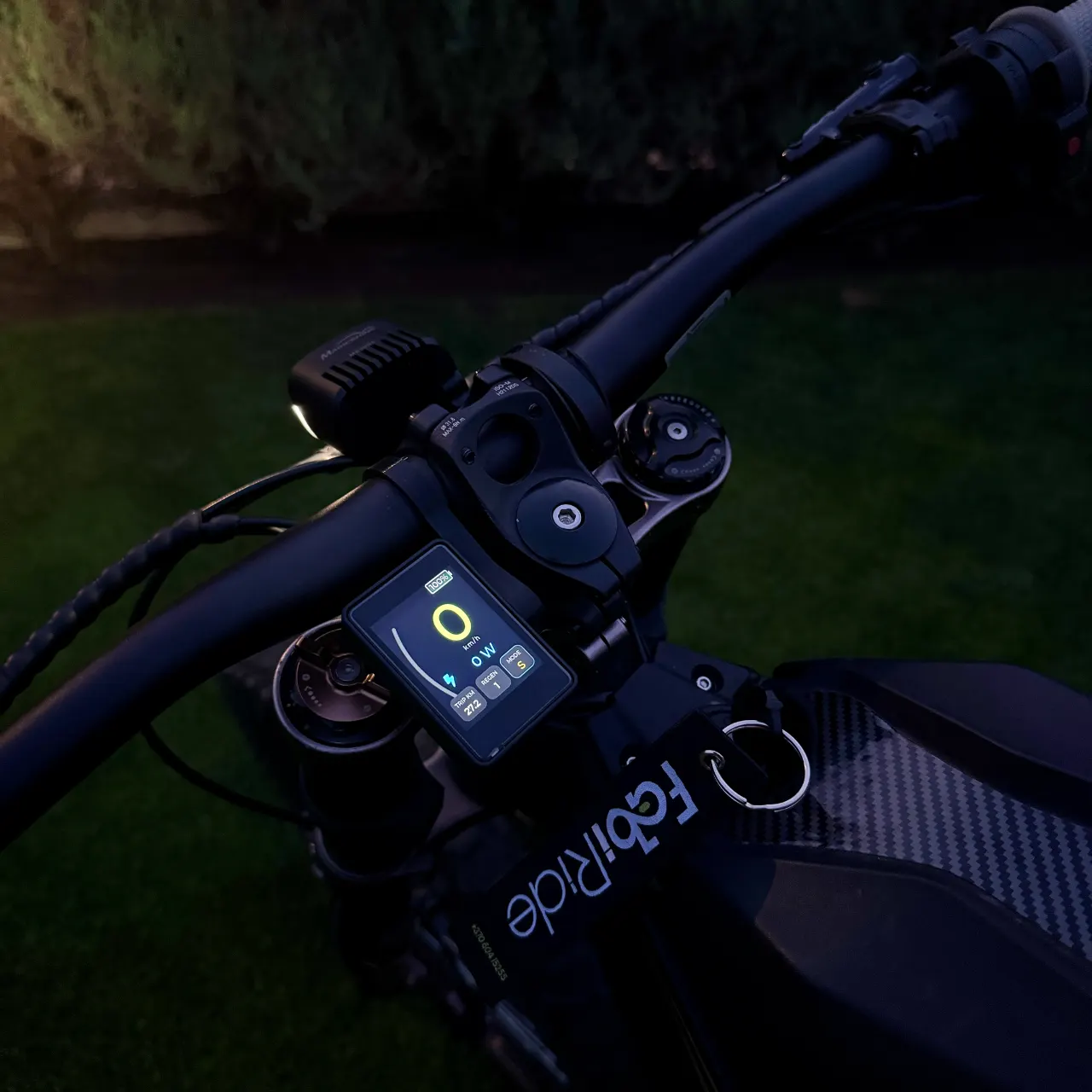
Fitted once, from one box. Riding aids work through the FabiRide connection kit - included, installed once following the guide, invisible after that.
04Make it yours
Pick your look.
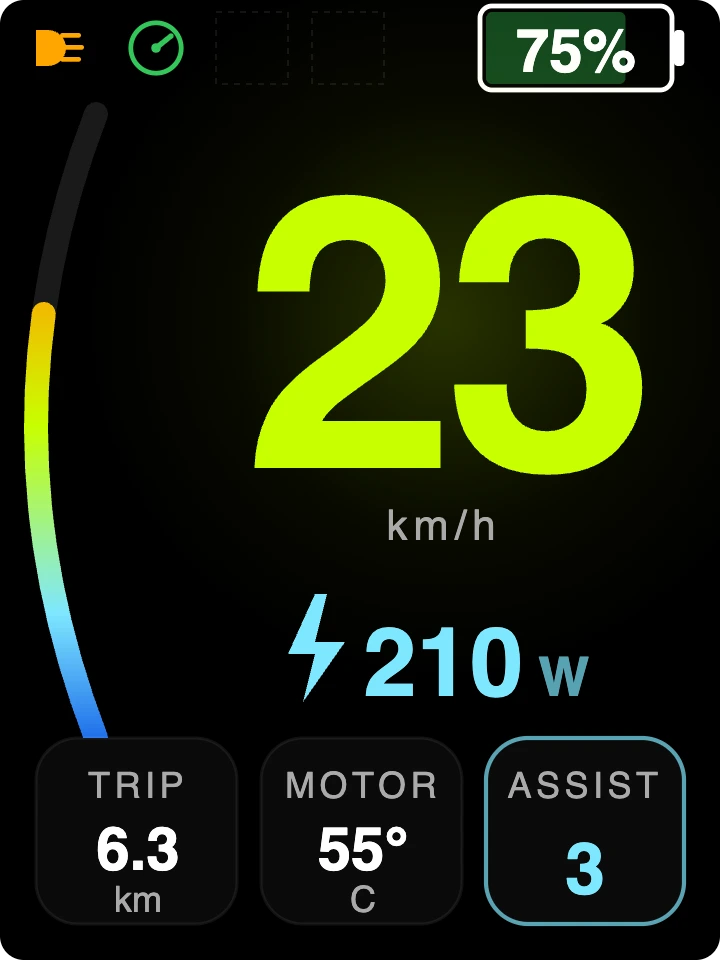
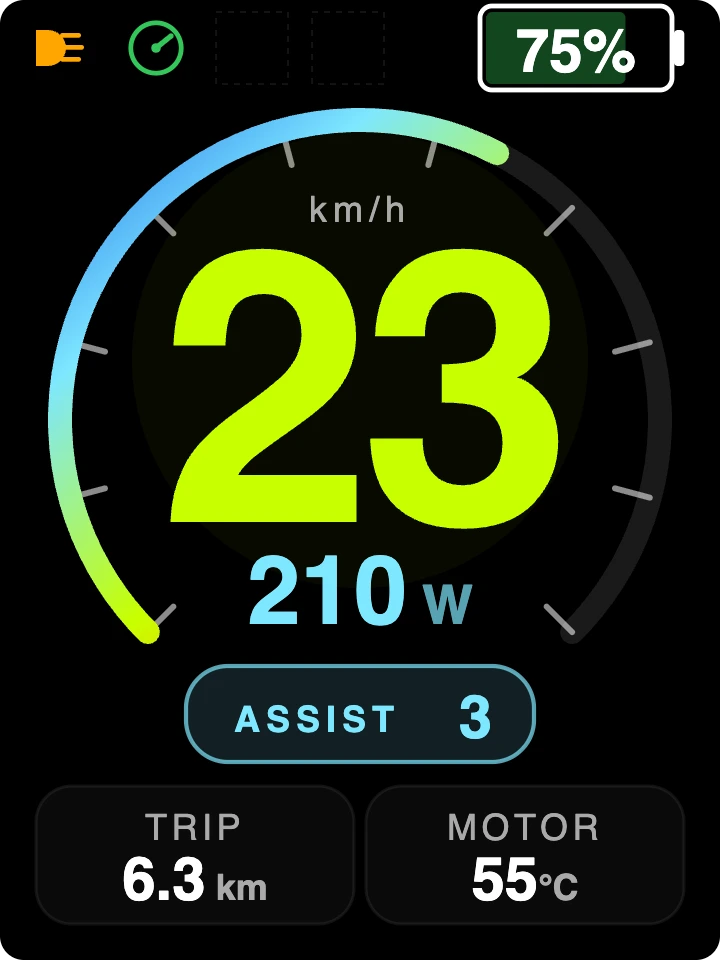
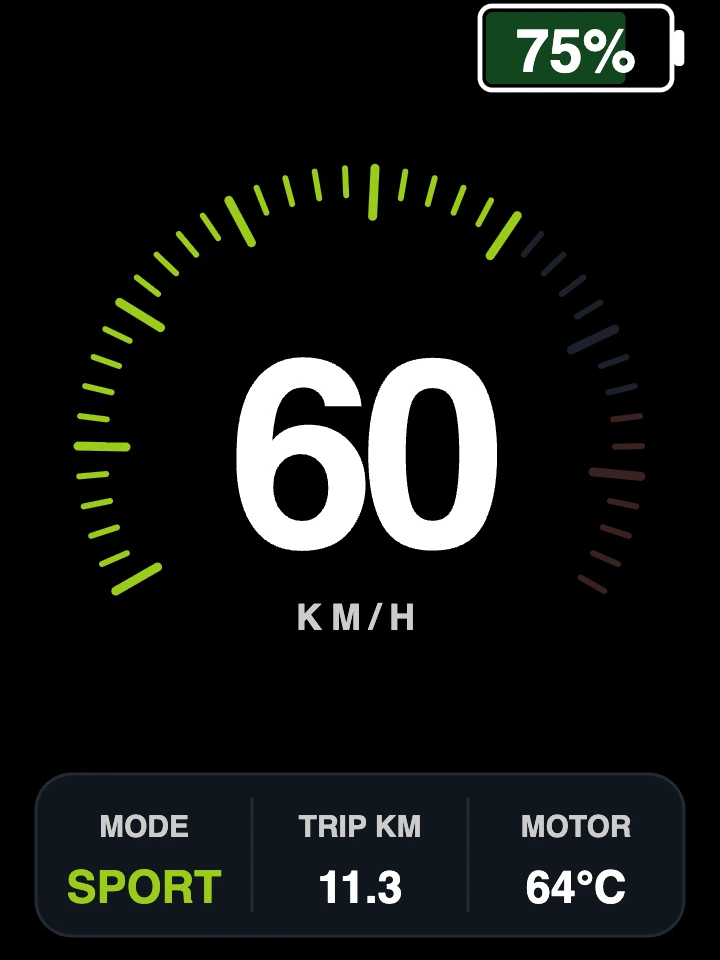
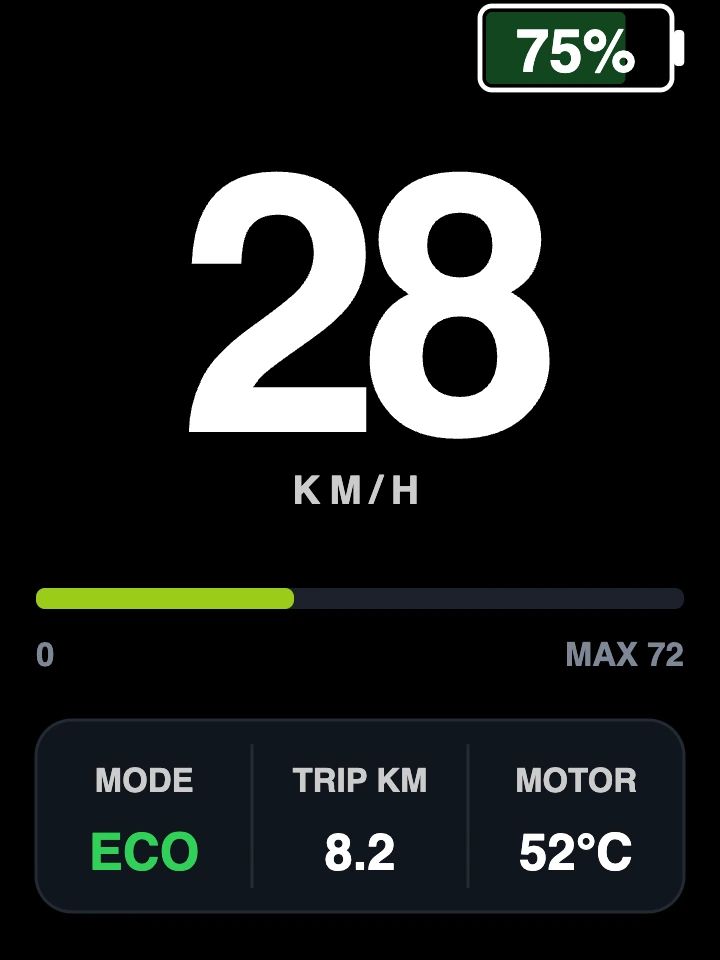
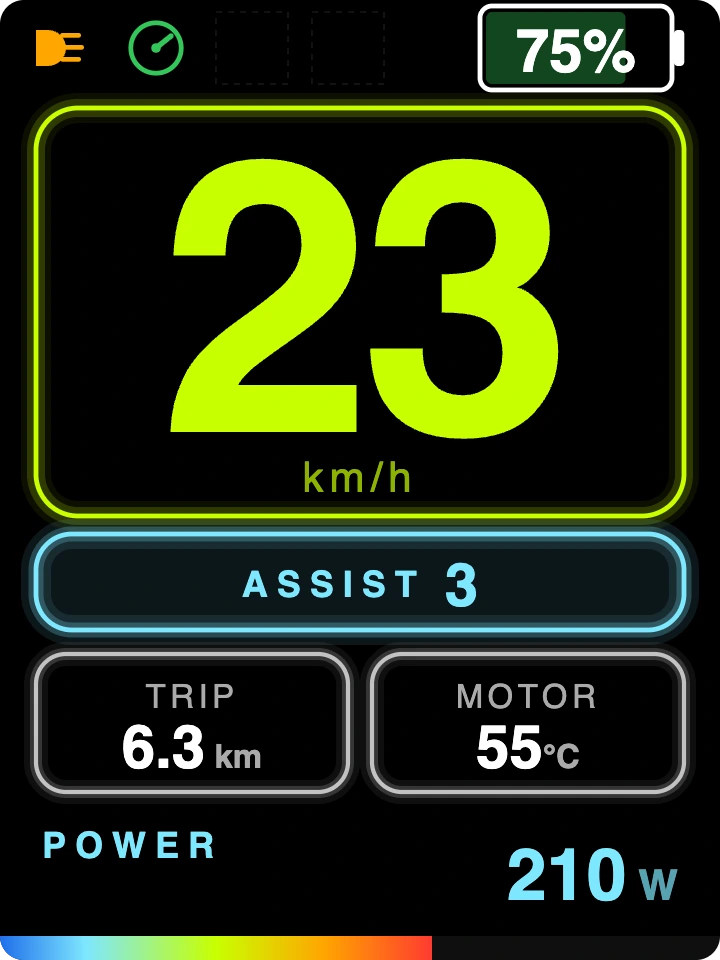
A whole set of styles on board - switch from the app.
05Answers
Questions riders ask.
Which Talarias does it fit?
The whole line-up - MX3, MX4 Sting R, MX5 and XXX. One display and one app across the family.
What do I need besides the display?
Just the free FabiRide app for iPhone or Android. Setup is a short guided wizard; every feature updates free from the app.
Do the riding aids need extra parts?
Everything they need ships in the box - the connection kit goes on once, following the guide, and disappears.
Can it really cap the speed?
Yes - an owner-controlled 25 km/h Road mode, held smoothly, one flip away. It has its own page - see the 25 km/h mode.
Do music and calls work with any phone?
The app runs on iPhone and Android. Music and call control on the display works with iPhone today.
Give your Talaria the cockpit it deserves.
Fitted once. Better every month. Yours in one box.
