



SurRon display upgrade: what a smart display adds
A replacement screen shows the same numbers the factory one did. A smart display reads your motor controller and takes charge of it: speed limits, riding modes, riders, ride history and your phone, all from the handlebars. Here is how the options compare on a Light Bee X, stock controller included.
The short answer
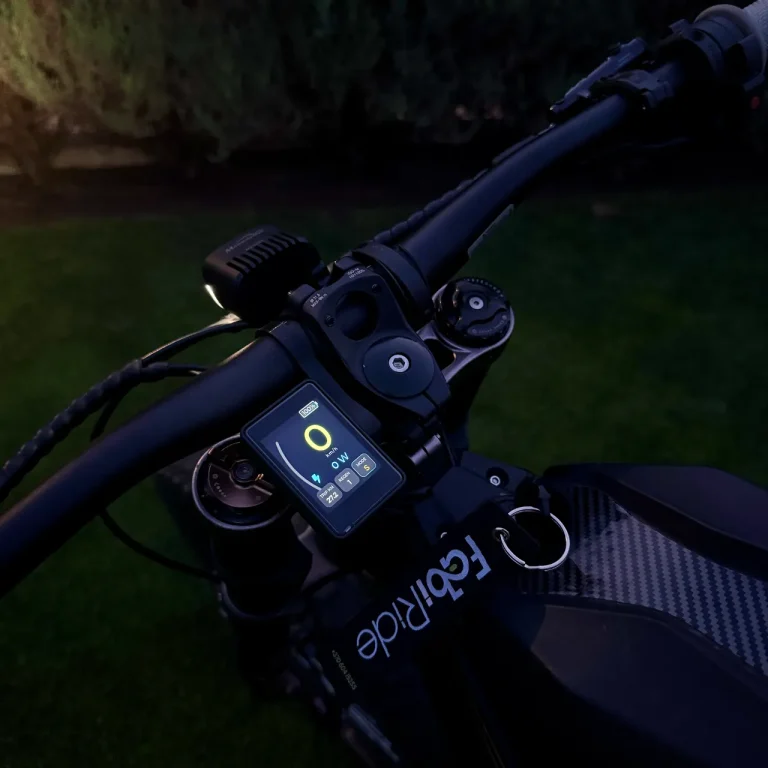
There are three kinds of SurRon display upgrade. A like for like replacement of the factory screen, a display tied to one aftermarket controller brand, and a smart display that works with the controller you already have. Only the third kind changes what the bike does, and only one of them fits a stock Light Bee X without swapping the controller: FabiRide Dash Pro.
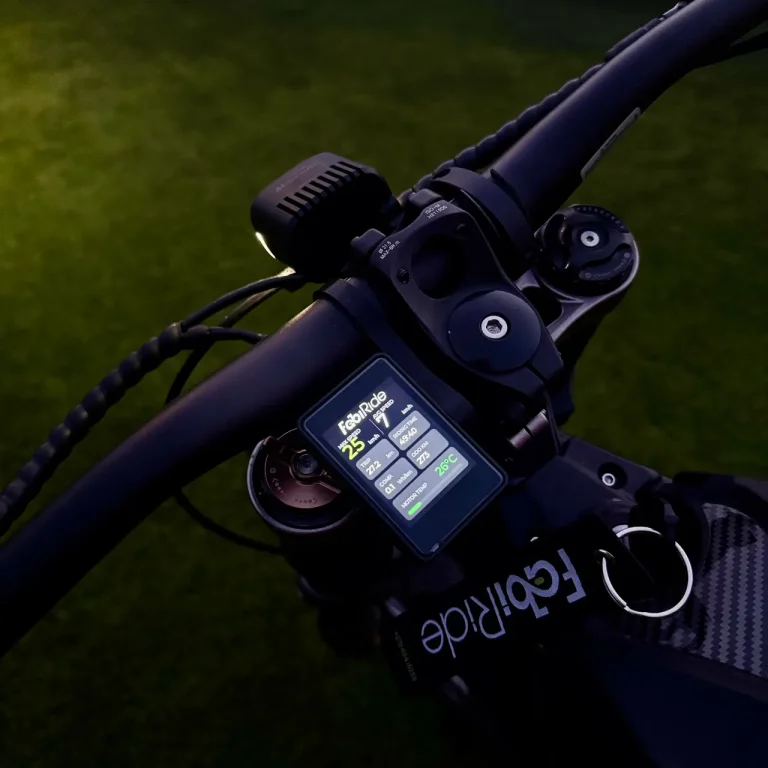
FabiRide Dash Pro mounts on the bars, connects through the leads in the box and recognises the bike on its own. From then on it shows live speed, power, battery and temperatures, holds any speed limit you set, switches ECO and SPORT from the bars, records every ride, and brings music, calls and your riding group to the screen.
Replacement screen or smart display?
The factory SurRon screen and its plug in replacements do one job: tell you how fast you are going and how much battery is left. If yours is cracked or dead, a replacement gets that back and nothing more.
A smart display starts from the same numbers and adds control. The speed limiter lives on the display rather than in the controller, so it works on a bike whose controller cannot be reprogrammed. Riding modes, limits for each rider, trip history and crash alerts all come with it, and new features arrive by wireless update.
The three kinds of SurRon display upgrade
Factory replacement screen
The display the bike shipped with, or a plug compatible copy. It fixes a broken screen and changes nothing about the ride.
- Cheapest way to fix a broken screen
- No speed limit, no app, no riders
- Same information as before
Controller brand display
Displays sold for one aftermarket controller line. Good if you already run that controller, and no use on the stock one.
- Shows that controller’s own data
- Needs that brand’s controller fitted first
- A stock Light Bee X stays exactly as it is
FabiRide Dash ProStock and aftermarket
Reads the controller you already have, stock or aftermarket, and adds limits, modes, riders, ride history and your phone.
- Works on the stock Light Bee X controller
- Any speed limit, lifted in the app
- Recognises more than 35 bikes and controllers
Side by side
| Feature | Factory replacement | Controller brand display | FabiRide Dash Pro |
|---|---|---|---|
| Works on a stock Light Bee X | Yes | No | Yes |
| Still works after a controller upgrade | Usually not | Only with that brand | Yes, 12 controller families |
| Speed limit you set and lift yourself | No | Depends on the controller | Yes, from the bars or the app |
| ECO and SPORT from the handlebars | Stock switch only | Depends | Yes |
| Separate limits per rider | No | No | Yes, enforced on the bike |
| Ride recording with the route | No | Some, in an app | Yes, automatically |
| Music, calls and notifications on the screen | No | No | Yes |
| Crash alert to your contacts | No | No | Yes |
| Screen | Monochrome | Varies | Colour touchscreen, 14 dashboards |
| New features after purchase | No | Sometimes | Wireless updates at no cost |
Fourteen dashboards, one bike
Pick the layout that suits how you ride: a big speed number for the road, power and temperatures for the trail, battery detail for long days. Portrait or landscape, switched in seconds from the bars.
Everything you change is saved to your account, so a second bike or a replacement display picks up your setup without starting again.
Fitting it
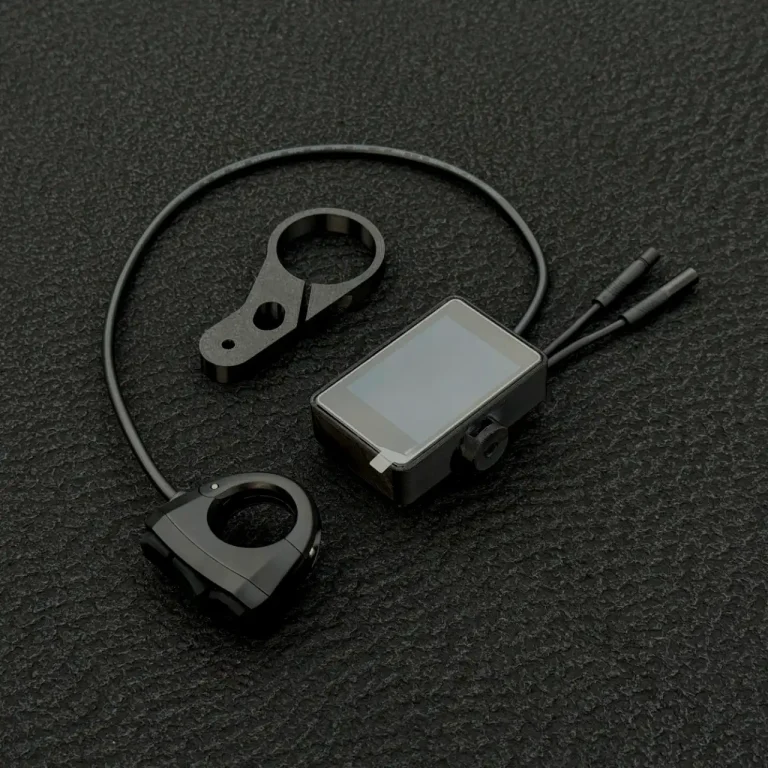
The kit ships with the display, a handlebar bracket, a three button remote with its clamp and the leads for your controller. You choose your controller when ordering. Fitting follows the guide, and the display recognises the bike the first time it is powered up.
One display for the bike you have and the one you build next
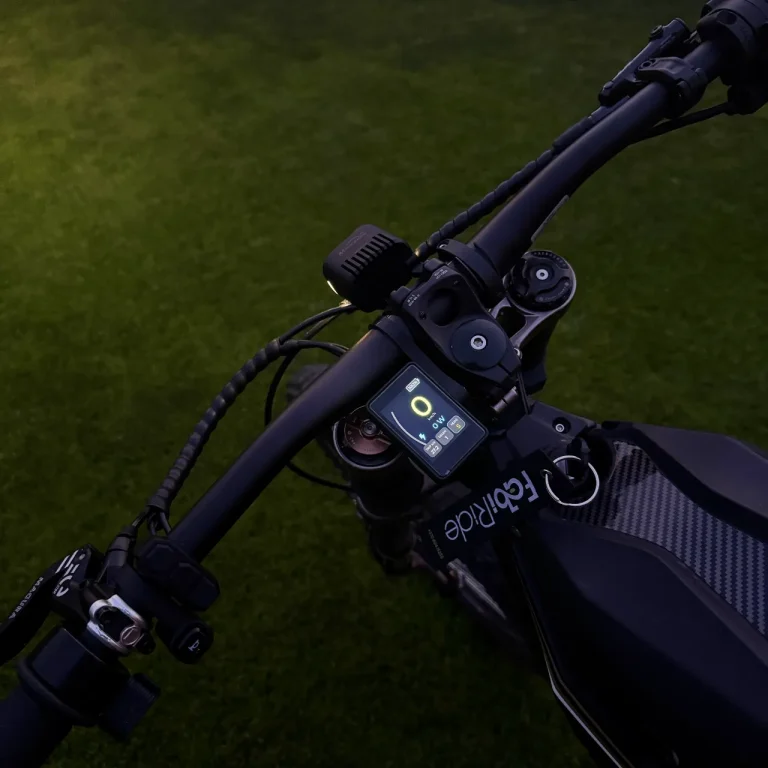
FabiRide Dash Pro works with the stock SurRon controller and with 12 controller families, so it follows the bike through every upgrade. 24 month warranty, shipped worldwide.
Questions riders ask
Which display upgrade works on a stock SurRon Light Bee X?
FabiRide Dash Pro. It reads the factory controller as it is, so nothing has to be reprogrammed or replaced. Controller brand displays need their own controller fitted first, and replacement screens only put back what the factory gave you.
Does a display upgrade change the bike’s power?
A replacement screen does not. FabiRide Dash Pro can cap speed and power on every controller it supports, and on controllers that accept new settings it can also raise the built in ceiling. On SurRon the factory configuration is left untouched: the limiter works in full, and lifting it returns the bike to stock performance.
Does it work after a Torp or ASI controller upgrade?
Yes. Torp TC500 and TC1000 kits and the ASI BAC range are among the 12 controller families it recognises, so the same display stays with the bike when the controller changes. Only the leads change.
Does it switch ECO and SPORT?
Yes. On the Light Bee X the modes are read and switched from the display, so the mode moves to your handlebars together with everything else.
Is there an app?
Yes, the free My FabiRide app on iPhone and Android, with the same account on the web. Setup, tuning, ride history, rider sharing and updates live there. Riding itself never needs the phone.
Can I set a speed limit for another rider?
Yes. Invite a rider from the app and give them their own speed and power limits. They are enforced on the bike, not on the phone, so switching the phone off or reinstalling the app does not lift them.
What is in the box?
The display, a handlebar bracket, a three button remote with its clamp, and the leads for the controller you chose when ordering.
