



Talaria Komodo display: FabiRide Dash Pro
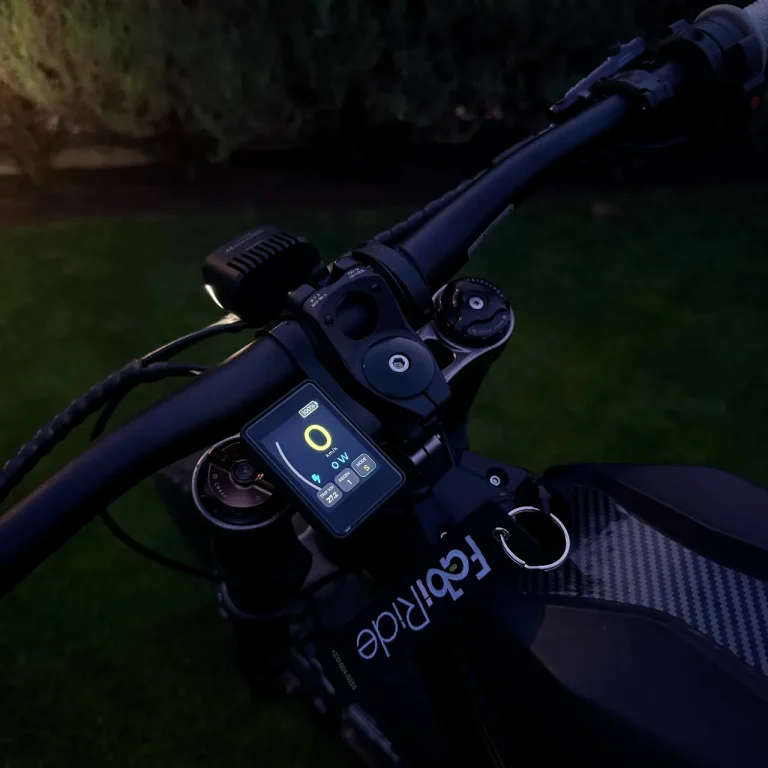
Dash Pro is a Talaria Komodo display that works on the factory controller. It recognises the bike by itself, moves its riding modes to the handlebar buttons, holds any speed limit you choose and adds a ride map, tricks and your crew.
The short answer
Yes, FabiRide Dash Pro is a Talaria Komodo display that fits as it comes, on the factory controller. It is recognised automatically during setup, so you never edit a setting that does not apply to the bike.
On the Komodo you get the live dashboard with power, battery and temperatures, its riding modes and regen level on the buttons, traction control, cruise control, the throttle curve and any speed limit you set, lifted again in the app. Wheelie and drag assist and the regen curve are not offered on the Komodo, because its brake lever is wired to its own controller rather than through the display.
What the Komodo display can do
| Feature | Talaria Komodo |
|---|---|
| Live speed, power, battery and temperatures | Yes |
| Riding modes on the handlebar buttons | Yes |
| Regen level on the + and − buttons | Yes |
| Speed limit you choose, lifted in the app | Yes |
| Traction control | Yes |
| Cruise control | Yes |
| Throttle response curve | Yes |
| Wheelie and drag assist | No |
| Regen curve on the brake lever | No |
| Map, navigation, tracks and ride tricks | Yes |
| Crash detection with SOS | Yes |
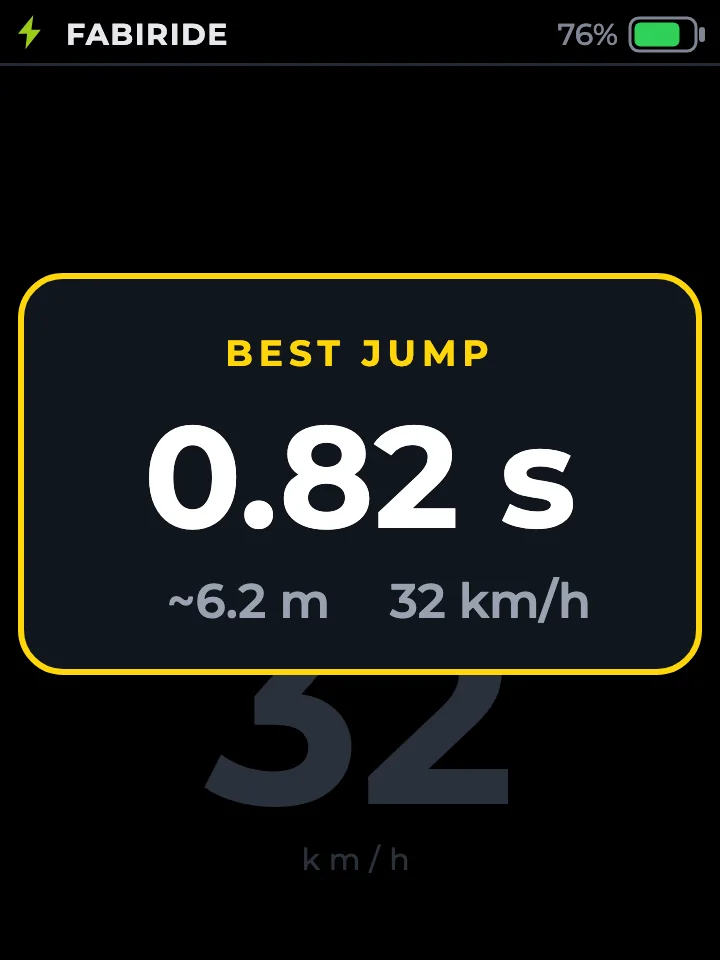
Tricks, the map and your crew on the Komodo display
Every ride on the Komodo leaves a record. Land a jump and the display shows your airtime and an estimated distance; put a wheelie down and it shows how long, how far and how high. Every trick goes into the app with your personal bests and the spot on the map.
Swipe once from the ride screen for a live map with the forest tracks around you, your trail and your crew, a junction map before each turn on a route, and a turn-back alert when the way home needs most of the battery you have left.
What else you get on the bars
25, 45 km/h or any limit
Hold the bike to 25 km/h for a learner, 45 km/h for the road or any number of your own, each with power aggressiveness control to match. You lift it in the app, and holding three buttons for two seconds puts it back.
Limits for every rider
Give a younger or newer rider their own speed limits and power aggressiveness control on the same bike. They live on the bike, so turning their phone off does not lift them, and you can raise them from anywhere.
Music, calls and crash alerts
Track and artist on the screen, calls answered from the bars, group voice with your crew, and an SOS message with your location if the display detects a crash and you do not cancel it.
Fitting the display to a Komodo
The display clamps to the bars, the three-button remote sits under your left thumb and the leads go to the controller. Nothing on the bike is cut or reflashed, and taking the display off leaves the bike as it was.
When you order, choose Talaria, then Komodo. Order Dash Pro for the Komodo.
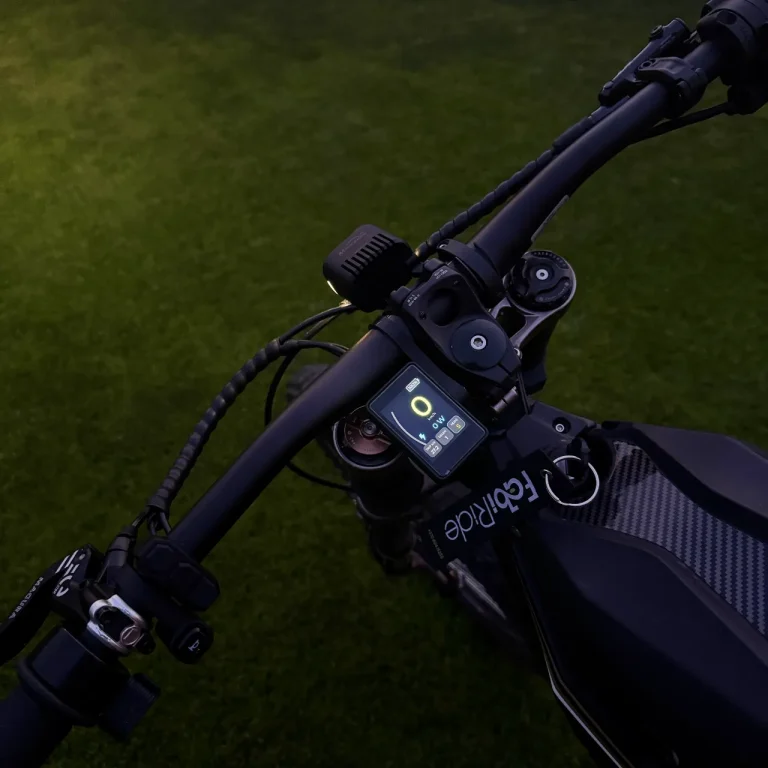
The Komodo, run from the handlebars
FabiRide Dash Pro works on the Komodo's factory controller with nothing to replace. 24 month warranty, shipped worldwide.
Komodo display questions
Does Dash Pro work on a stock Talaria Komodo?
Yes. Dash Pro works as a Talaria Komodo display on the factory controller, with nothing to replace. It recognises the Komodo during setup and shows only what applies to it.
Can I switch the Komodo's riding modes from the handlebars?
Yes. A double press of the + button moves to the next riding mode, and a single press of + or − changes the regen level, the same way as on the other Talaria bikes.
Can I limit a Komodo to 25 or 45 km/h?
Yes, to 25 km/h, 45 km/h or any other number, with power aggressiveness control to match. Lifting it is done in the app, and holding all three buttons for two seconds puts it back.
Why is there no wheelie assist on the Komodo?
Wheelie and drag assist stop a flip by braking with regen, so they need the brake lever to run through the display. On the Komodo the brake goes straight to its own controller, so these assists are not offered. Traction control, cruise control and the throttle curve are.
Which leads do I order for a Komodo?
Choose Talaria, then Komodo, in the order list. That option has the leads for the Komodo.
Does the map need anything extra?
Only the app running on your phone during the ride. The map, navigation, tracks and the turn-back alert all use it.
