



Talaria display compatibility: every model Dash Pro fits
Talaria display compatibility at a glance: FabiRide Dash Pro fits the stock Talaria Sting MX3, Sting R MX4, MX5 (also sold as the Sting Pro), XXX (also sold as the X3, XXX Pro and X3 Pro) and Komodo. It plugs into the harness already on the bike.
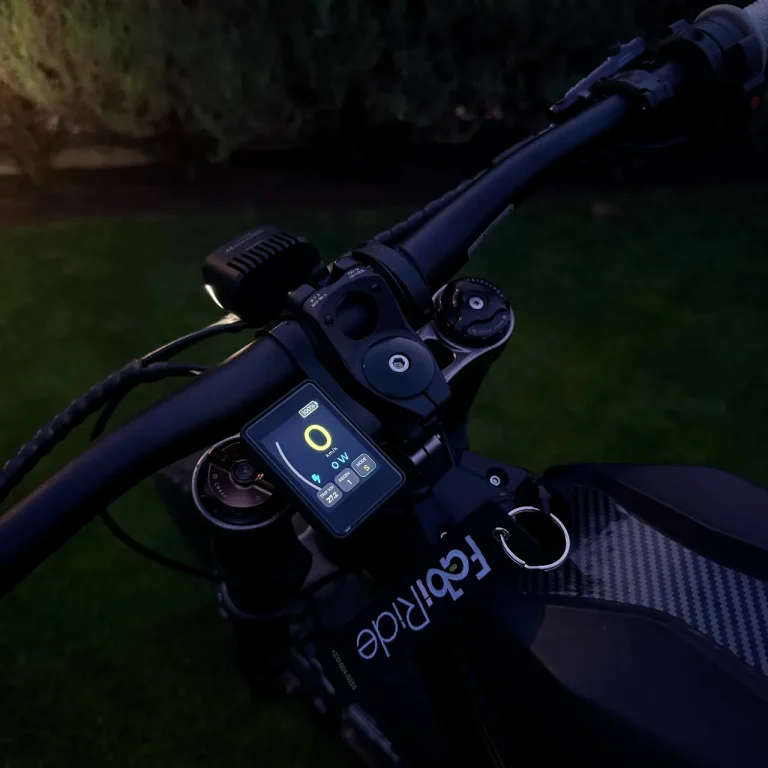
The short answer
Yes. Dash Pro fits the Talaria Sting MX3, Sting R MX4, MX5, XXX and Komodo on their stock controllers. Talaria sells some of these bikes under more than one name: the MX5 is also the Sting Pro, and the XXX is also the X3, the XXX Pro and the X3 Pro. Whatever the badge on yours says, Dash Pro fits it.
The display recognises the model the first time it powers up and gives each one its own riding modes. Fitting is plug and play into the bike's own harness, so nothing is cut, spliced or reprogrammed.
Talaria display compatibility, model by model
Find your bike by any of its names: Talaria display compatibility does not depend on the badge. The last column is the harness to choose when you order.
| Model | Also sold as | Stock controller | Harness to choose |
|---|---|---|---|
| Sting MX3 | Talaria Sting | Yes, plug and play | MX3, MX4, MX5, X3 |
| Sting R MX4 | Sting R | Yes, plug and play | MX3, MX4, MX5, X3 |
| MX5 | Sting Pro | Yes, plug and play | MX3, MX4, MX5, X3 |
| XXX | X3, XXX Pro, X3 Pro | Yes, plug and play | MX3, MX4, MX5, X3 |
| Komodo | Talaria Komodo | Yes, plug and play | Komodo |
What each Talaria gets
The basics are the same on every model. The rider assists depend on how each bike's brake is wired.
| Feature | Sting MX3 and Sting R MX4 | MX5 (Sting Pro) | XXX (X3, XXX Pro, X3 Pro) | Komodo |
|---|---|---|---|---|
| Speed limit you choose, lifted in the app | Yes | Yes | Yes | Yes |
| Riding modes on the handlebar buttons | Yes | Yes, HYPER included | Yes | Yes |
| Traction control and cruise control | Yes | Yes | Yes | Yes |
| Wheelie and drag assist | No | Yes | Yes, with the brake through the display | No |
| Map, navigation, tricks and crash alerts | Yes | Yes | Yes | Yes |
Plug and play: nothing to cut or splice
Dash Pro connects into the harness your Talaria already has. Every plug is a ready-made connector, so fitting takes ordinary hand tools and no wiring skills.
-
Unplug the stock displayDisconnect the factory display from the bike's harness. Nothing has to be cut.
-
Mount the display and buttonsClamp Dash Pro to the handlebar and fit the three-button remote under your left thumb.
-
Plug into your harnessConnect the Dash Pro harness in line with the bike's own connectors. Each plug fits one way only.
-
Switch on and get the appDash Pro recognises your Talaria model the first time it powers up, and the free My FabiRide app finishes the setup.
Watch the whole fit on a stock Sting MX3 and Sting R MX4: Dash Pro install video on YouTube
Which harness to choose when you order
In the shop, choose Talaria as your bike. Then pick the MX3, MX4, MX5, X3 harness for the Sting MX3, Sting R MX4, MX5 (Sting Pro) and XXX (X3, XXX Pro, X3 Pro), or the Komodo harness for the Komodo.
If your Talaria already runs an upgraded controller, choose that controller's brand instead, such as Torp or VESC, and the harness made for it. Running an EBMX or ASI controller? Write to us before ordering.
What else you get on the bars
25, 45 km/h or any limit
Hold the bike to 25 km/h for a learner, 45 km/h for the road or any number of your own, each with power aggressiveness control to match. You lift it in the app, and holding three buttons for two seconds puts it back.
Limits for every rider
Give a younger or newer rider their own speed limits and power aggressiveness control on the same bike. They live on the bike, so turning their phone off does not lift them, and you can raise them from anywhere.
Music, calls and crash alerts
Track and artist on the screen, calls answered from the bars, group voice with your crew, and an SOS message with your location if the display detects a crash and you do not cancel it.
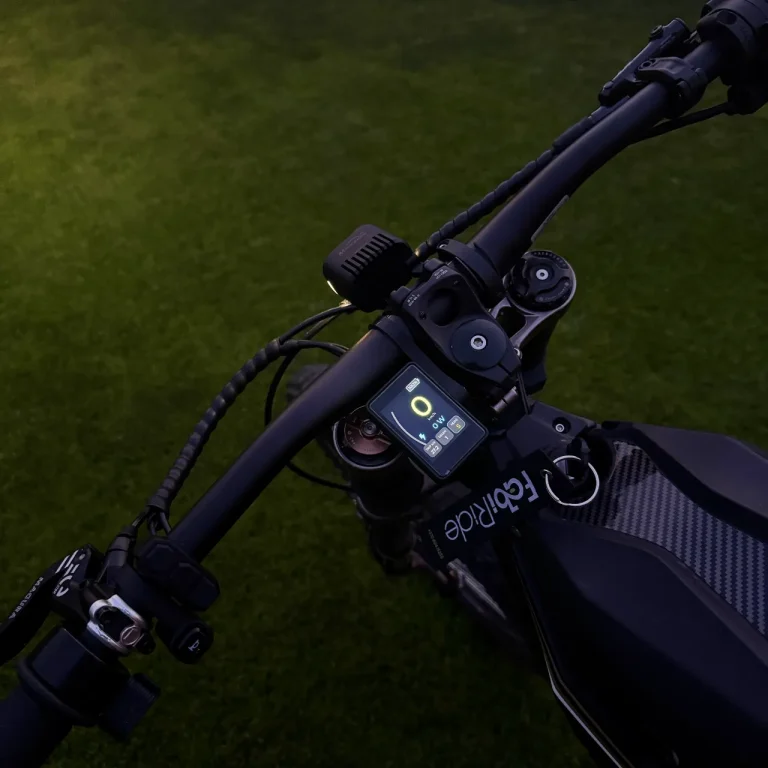
Your Talaria, whatever its badge says
FabiRide Dash Pro plugs into the harness your Talaria already has. 24 month warranty, shipped worldwide.
Talaria display compatibility questions
Does Dash Pro fit the Talaria Sting Pro?
Yes. Sting Pro is another name for the MX5. Dash Pro fits it on the stock controller with the MX3, MX4, MX5, X3 harness, and HYPER mode switches from the handlebar buttons.
Does it fit the Talaria XXX Pro or X3 Pro?
Yes. XXX, X3, XXX Pro and X3 Pro are names for the same bike, and Dash Pro fits all of them on the stock controller with the MX3, MX4, MX5, X3 harness.
Does it fit the Talaria Sting R MX4?
Yes, on the stock controller, in the same way as the Sting MX3 and the MX5.
Does it fit the Talaria Komodo?
Yes, on the stock controller with its own Komodo harness. Wheelie and drag assist are not offered on the Komodo, because its brake goes straight to its own controller.
Do I have to cut any wires on my Talaria?
No. Dash Pro plugs in line with the bike's own connectors. Nothing is cut, spliced, soldered or reprogrammed, and removing it returns the bike to stock.
Does the display know which Talaria it is fitted to?
Yes. It tells the models apart on its own the first time it powers up and offers only the settings that apply to your bike.
