



Torp controller display: FabiRide Dash Pro
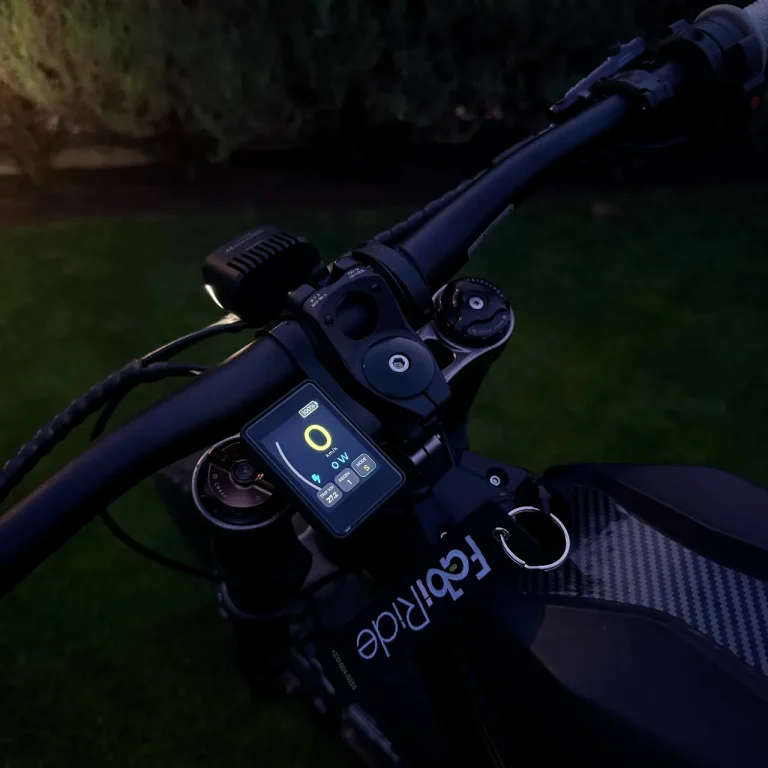
Dash Pro is the display for a Torp TC500 or TC1000 controller on a Sur-Ron or a Talaria. It takes the place of the optional Torp display: riding modes and reverse on the handlebar buttons, every reading on the screen, a speed limit you choose, and the map, tricks and your crew.
The short answer
Yes, FabiRide Dash Pro works with Torp TC500 and TC1000 kits on the Sur-Ron Light Bee X and Ultra Bee and on the Talaria MX3, MX4 and MX5. It replaces the optional Torp display, switches riding modes and reverse from the handlebar buttons or the app, and shows full telemetry, motor and controller temperature included.
The Torp's own configuration is never rewritten, so a speed limit and the rider assists are held by the display itself. That needs the throttle, and for the brake features the brake lever, to run through the display. The setup wizard asks and only offers what your wiring allows.
What the Torp controller display can do
| Feature | Torp TC500 and TC1000 |
|---|---|
| Speed, power, battery, motor and controller temperature | Yes |
| Riding modes on the handlebar buttons | Yes |
| Reverse from the bars | Yes |
| Speed limit you choose, lifted in the app | Yes, with the throttle through the display |
| Traction control | Yes, with the throttle through the display |
| Cruise control | Yes, with the throttle through the display |
| Throttle and regen curves | Yes, with throttle and brake through the display |
| Wheelie and drag assist | After a wiring check |
| Edit the Torp's own settings | No, they stay in the Torp app |
| Map, navigation, tracks and ride tricks | Yes |
On every bike: the map, tricks and your crew
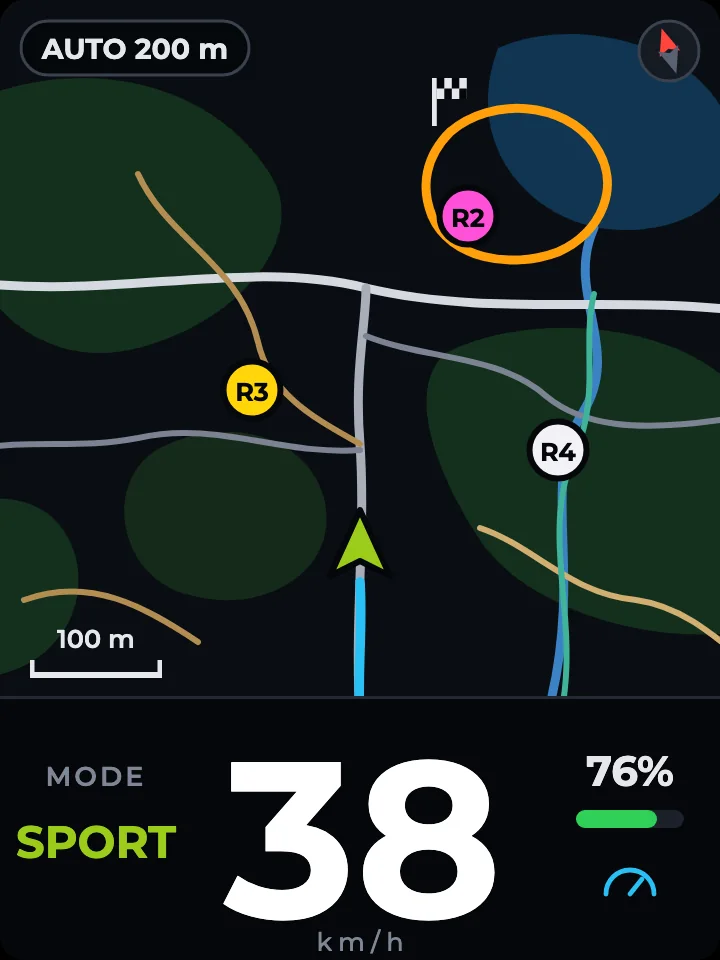
Swipe once from the ride screen for a live map with the roads and forest tracks around you, the line you rode in on and your crew as coloured dots. Shortly before a turn on a route, a small map of the junction opens by itself, and the display can tell you when to turn back to make it home on the battery you have left.
Land a jump and the display shows your airtime and an estimated distance; put a wheelie down and it shows how long, how far and how high. Every trick goes into the app with your personal bests and the spot on the map where it happened.
What else you get on the bars
25, 45 km/h or any limit
Hold the bike to 25 km/h for a learner, 45 km/h for the road or any number of your own, each with power aggressiveness control to match. You lift it in the app, and holding three buttons for two seconds puts it back.
Limits for every rider
Give a younger or newer rider their own speed limits and power aggressiveness control on the same bike. They live on the bike, so turning their phone off does not lift them, and you can raise them from anywhere.
Music, calls and crash alerts
Track and artist on the screen, calls answered from the bars, group voice with your crew, and an SOS message with your location if the display detects a crash and you do not cancel it.
Fitting the display with a Torp kit
The display clamps to the bars, the three-button remote sits under your left thumb and the leads go to the controller. Nothing on the bike is cut or reflashed, and taking the display off leaves the bike as it was.
When you order, choose Torp and the lead for your bike: one for the Sur-Ron Light Bee, one for the Talaria MX3, MX4 and MX5. For an Ultra Bee, write to us before ordering and we will confirm the right lead.
Your Torp, on a display that does more
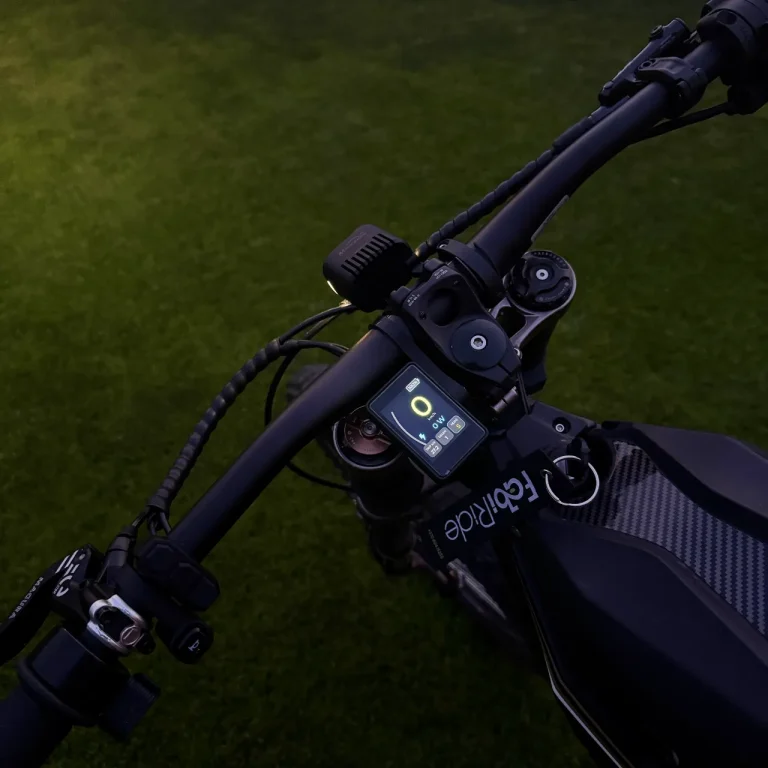
FabiRide Dash Pro replaces the optional Torp display and adds limits, assists, the map and your phone. 24 month warranty, shipped worldwide.
Torp controller display questions
Does Dash Pro replace the Torp display?
Yes. It takes over the optional Torp display's job, with riding modes, reverse and every reading, plus the map, tricks, navigation and your phone on the bars.
Does it change my Torp settings?
No. The Torp's configuration stays as you set it in the Torp app. If mode switching is turned off there, the display tells you rather than showing a mode that did not change.
Can I limit a Torp bike to 25 or 45 km/h?
Yes, to 25 km/h, 45 km/h or any other number, with the throttle running through the display. The setup wizard checks that for you, and the app tells you plainly if a limit cannot be applied.
Is traction control available on Torp?
Yes, with the throttle running through the display. Wheelie and drag assist are switched on after a check of your wiring.
Which bikes does the Torp setup cover?
The Sur-Ron Light Bee X and Ultra Bee, and the Talaria MX3, MX4 and MX5, fitted with a TC500 or TC1000.
Does the map need anything extra?
Only the app running on your phone during the ride. The map, navigation, tracks and the turn-back alert all use it.
