



Bafang display upgrade: FabiRide Dash Pro
A Bafang display upgrade that keeps your motor: Dash Pro takes the place of the Bafang display on BBS01, BBS02 and BBSHD mid-drives and on the M-series drive units. You keep the motor and the way you ride, and gain a colour screen with a ride map, navigation on bike paths, your phone on the bars and every ride recorded.
The short answer
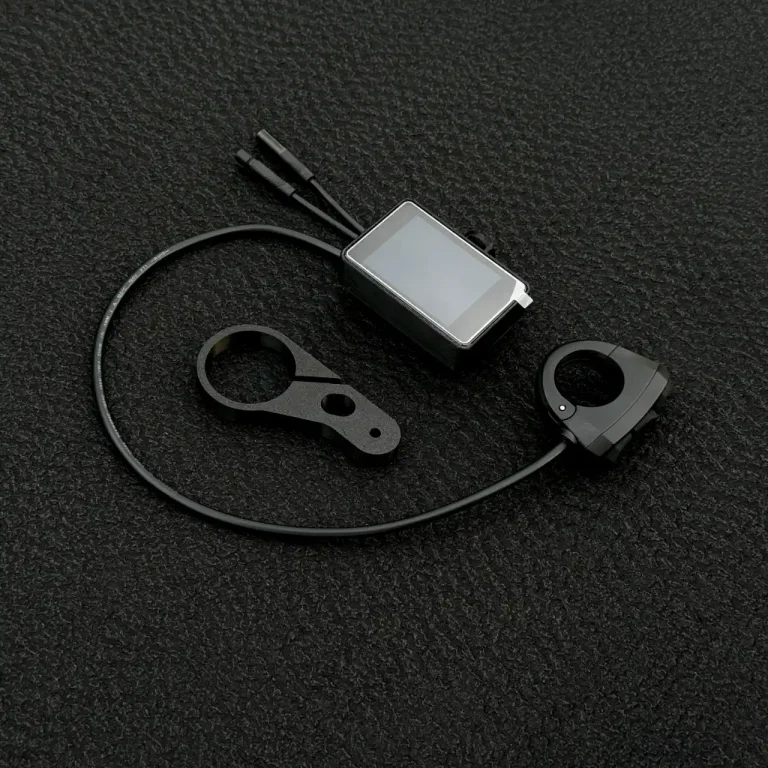
FabiRide Dash Pro works as the display for Bafang BBS01, BBS02 and BBSHD mid-drives and for the Bafang M-series drive units, from the M200 to the M820. It connects in place of the Bafang display, and the setup wizard asks which motor you have.
On a Bafang you get the assist levels on the handlebar buttons, the pedal assist settings in the app, lights, walk assist and a speed limit you set yourself, plus everything that works on every bike: the ride map, navigation with junction maps, music and calls, group voice, crash alerts and ride history. The throttle on a Bafang is wired to the motor, so the rider assists made for e-motos, such as wheelie and traction control, do not apply.
What the Bafang display upgrade gives you
| Feature | BBS01, BBS02, BBSHD | M-series | BBSHD with ASI BAC855 |
|---|---|---|---|
| Assist levels on the handlebar buttons | Yes | Yes | Yes |
| Pedal assist settings in the app | Yes | Yes | Yes |
| Lights from the bars | Yes | Yes | Yes |
| Walk assist, hold the − button | Yes | Yes | No |
| Speed limit you set, lifted in the app | Yes | Yes | Yes |
| Raise the factory ceiling | Yes | No | Yes |
| Motor temperature | Where the drive reports it | Where a sensor is fitted | Yes |
| Cruise, wheelie and traction control | No | No | With the throttle through the display |
| Map, navigation, tracks and crash alerts | Yes | Yes | Yes |
Navigation made for bike paths
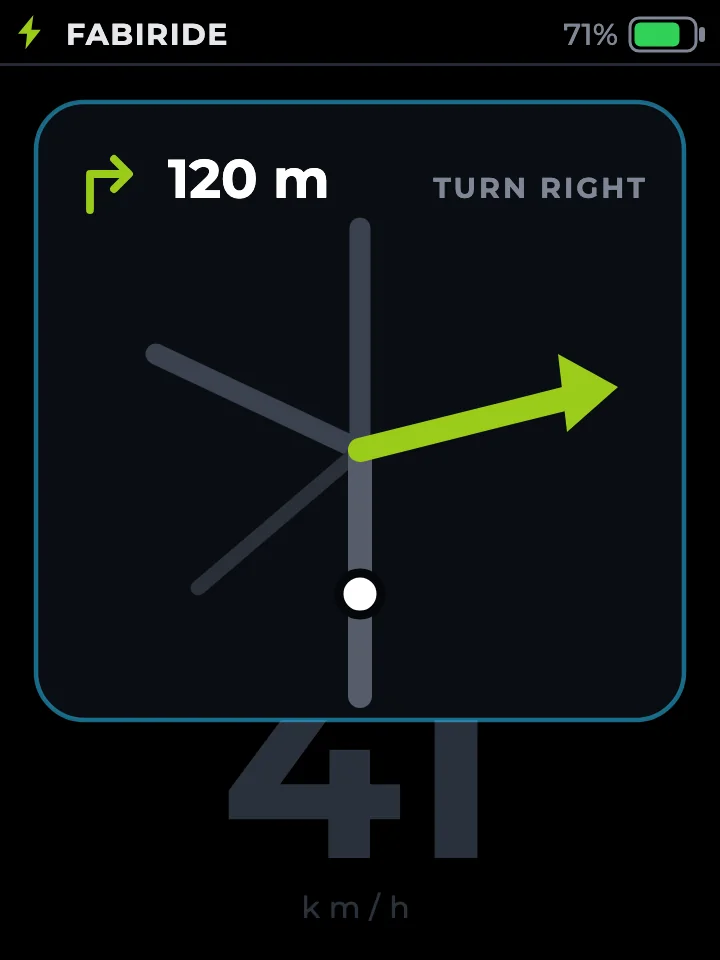
Tell the app where you are going, choose roads, bike paths or sidewalks, and check the distance, the time and every turn before you set off. On the way, the next turn and the distance to it sit on your dashboard, and shortly before each turn a small map of the junction opens by itself.
With the app connected, the display also shows a live map with your trail and the riders you are out with, and how far it is back to where the ride started, right beside the range your battery has left.
What else you get on the bars
A speed limit you choose
Hold the bike to the speed you choose, 25 km/h for a cycle path or a new rider or any other number. Only the app lifts it, so a knock on the bars never undoes it.
Every ride recorded
The display records route, speed, assist and battery use on its own, you can replay each ride second by second in the app, and the range estimate learns from your own rides.
Music, calls and crash alerts
Track and artist on the screen, calls answered from the bars, group voice with your crew, and an SOS message with your location if the display detects a crash and you do not cancel it.
Fitting the new display to a Bafang
The display clamps to the bars, the three-button remote sits under your left thumb and the lead plugs in where the Bafang display was connected. Nothing is cut and the motor is not reflashed.
When you order, choose Bafang and the matching lead: one for the BBS drives, one for the M-series. If the connector on your bike looks different from the standard Bafang one, write to us before ordering.
Keep the Bafang, upgrade the display
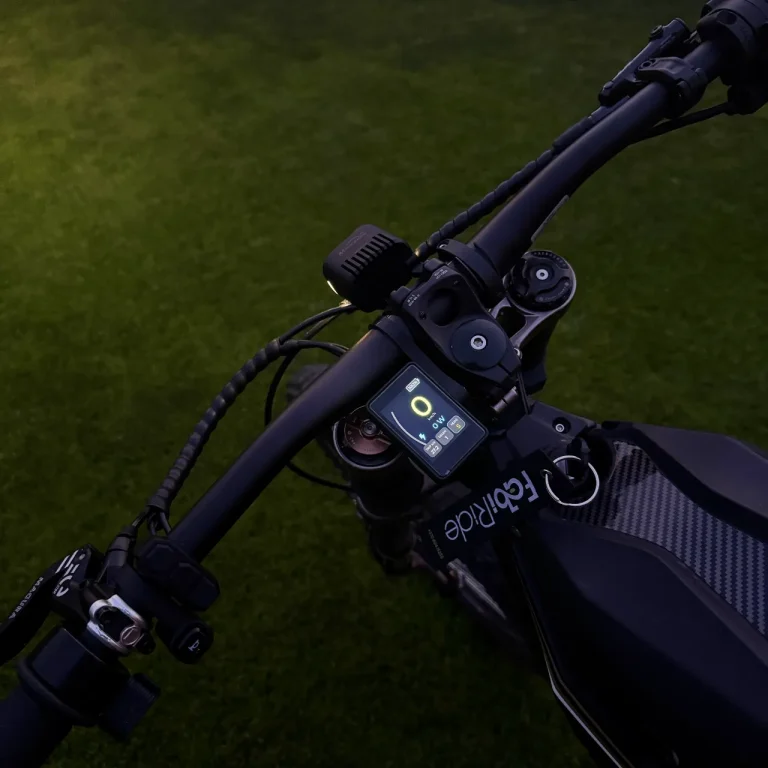
FabiRide Dash Pro replaces the Bafang display and brings the map, navigation and your phone to the bars. 24 month warranty, shipped worldwide.
Bafang display questions
Which Bafang motors does Dash Pro support?
BBS01, BBS02 and BBSHD mid-drives, and the M-series drive units from the M200 to the M820, including the M500, M510, M560, M600 and M820.
Does it replace my Bafang display completely?
Yes. Dash Pro does the Bafang display's job, with the assist levels, lights, walk assist and the readouts, and adds the map, navigation, ride recording and your phone. You do not need the old display any more.
Can I change the pedal assist settings?
Yes, in the app. How strongly each assist level pulls is set there, without a laptop or a programming cable.
Will it show my battery?
Yes. Battery level is on every dashboard, and the range estimate learns from your own rides. Detailed cell data depends on whether your battery shares it.
Does it work on a BBSHD converted to an ASI BAC855?
Yes. Choose the ASI BAC855 setup in the wizard and you get the ASI controller's settings, including pedal assist and braking ramps, plus the assists that need the throttle to run through the display.
Does the map need anything extra?
Only the app running on your phone during the ride. The map, navigation, tracks and the turn-back alert all use it.
