



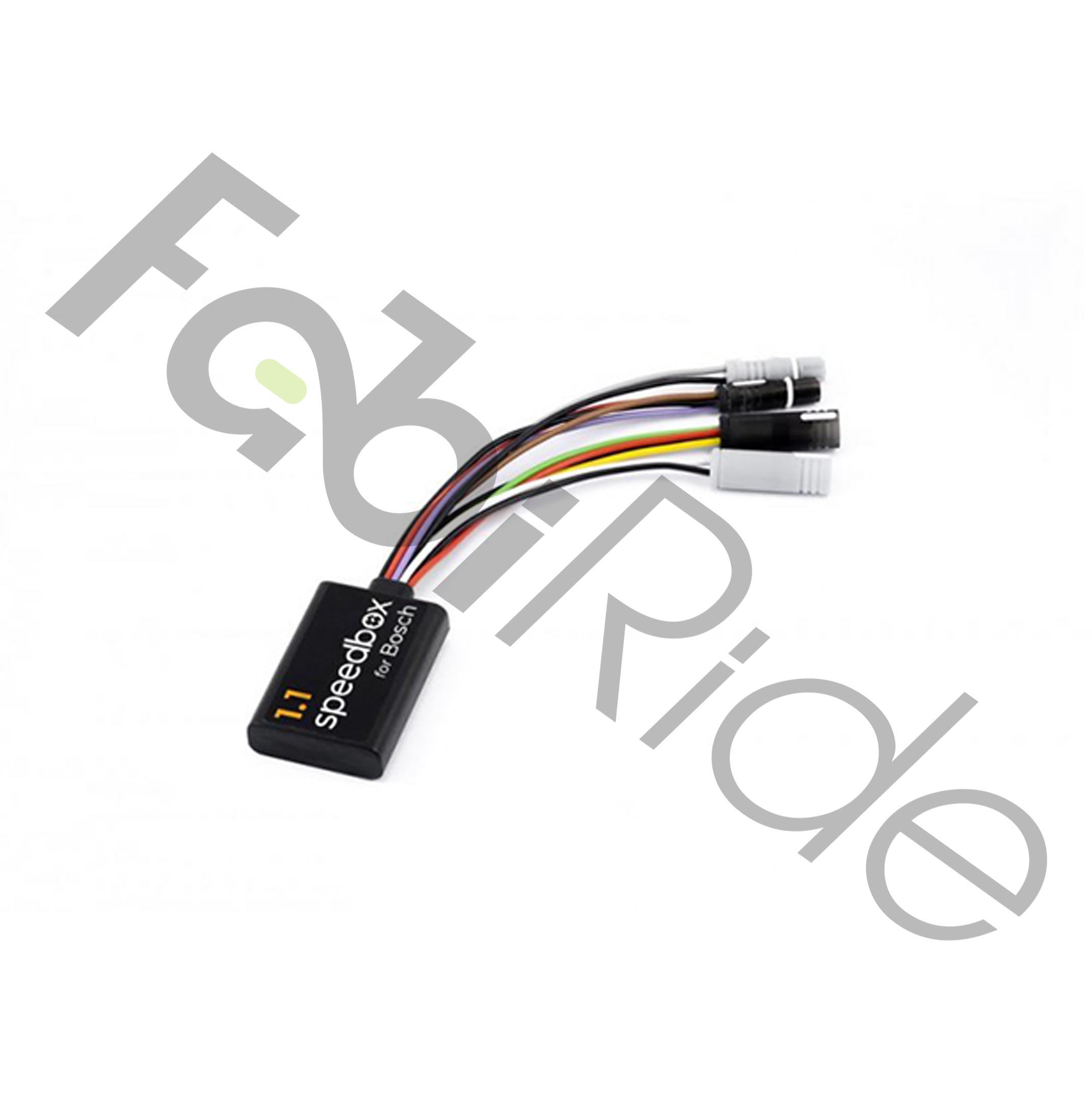
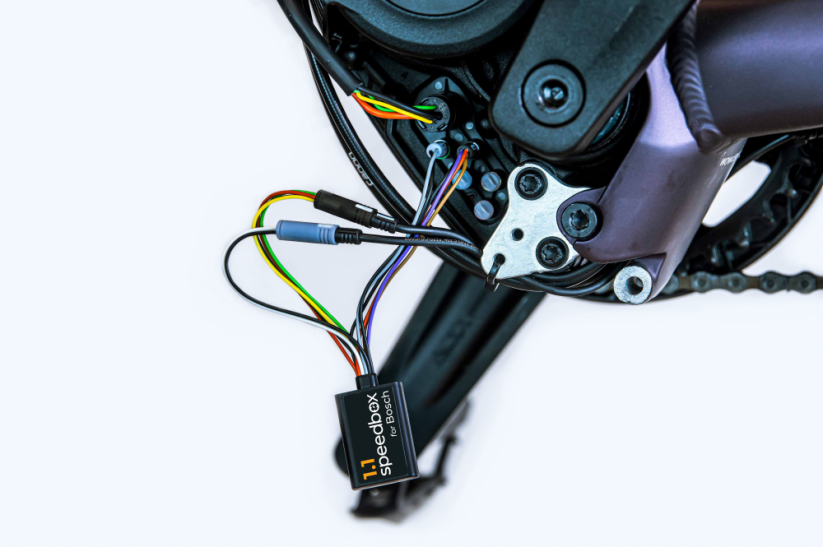
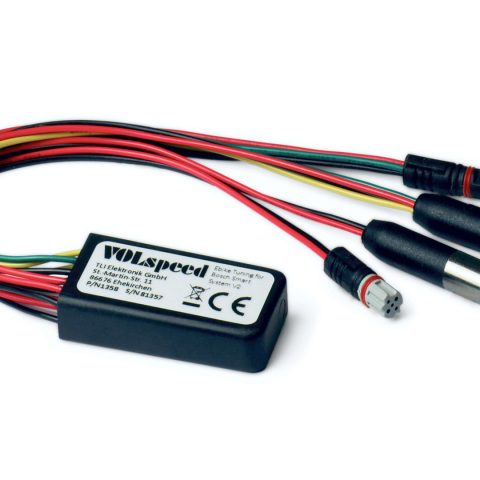
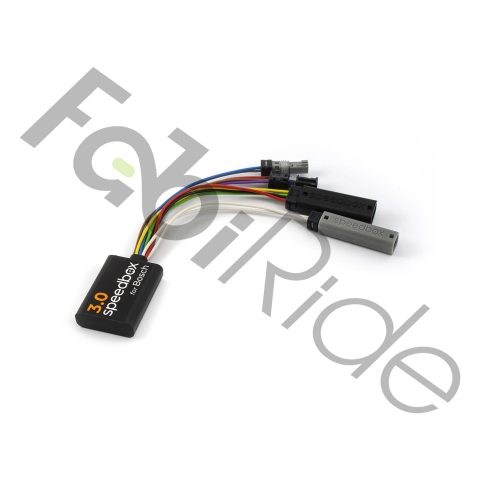
The SpeedBox 1.1 Bosch is an eBike tuning module built for Bosch Smart System motors and Bosch Gen4 mid-drive units. It removes the factory 25 km/h assistance limit. After activation, the default limit becomes 35 km/h. All control happens directly through the eBike’s own handlebar unit.
The module pairs with Bosch Smart System displays and Bosch Smart System motors. You activate it using the WALK assist function or the button sequence – + – +. No smartphone is needed at any point. The speedometer does not display your real speed once tuning is active.
Riders who want true speed and full ride data on a phone screen should choose the SpeedBox 1.1 Bluetooth Tuning version with the SpeedBox app instead. This model is designed for riders who prefer control at the bars. It also suits anyone who needs to return the bike to stock condition quickly before a service visit.
Key Benefits
- Speed limiter removal – the factory 25 km/h cap is raised to 35 km/h after activation.
- Adjustable speed limit – the ceiling can be set up to 99 km/h, though the manufacturer recommends staying at 35 km/h.
- App-free control – the chip switches on and off with the WALK function or the – + – + sequence.
- Instant return to stock – switching the module off restores the original 25 km/h limit.
- On-screen confirmation – a reading of 2.5 km/h means 25 km/h, 3.0 means 30 km/h and 3.5 means 35 km/h.
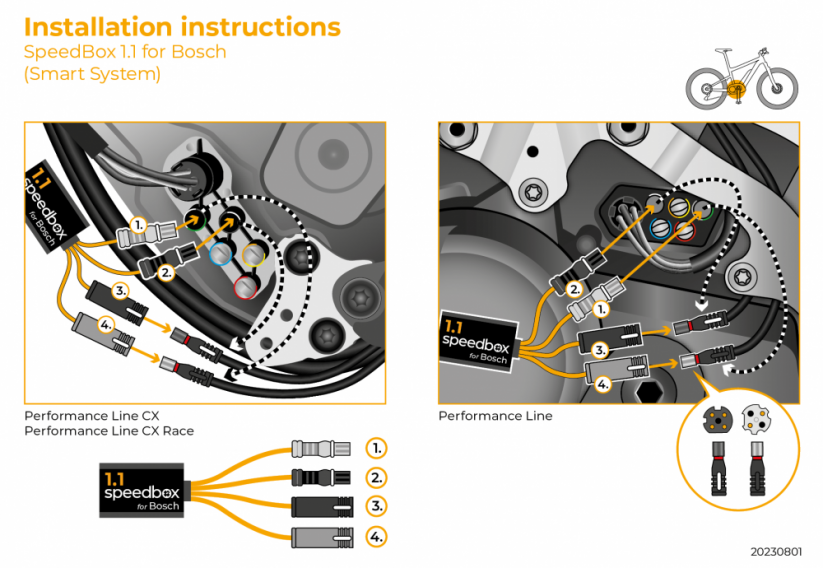
- Original connectors – installation requires no wire cutting and no soldering.
- Smart System compatibility – works with Bosch Smart System motors and Bosch Smart System displays.
- Wheel circumference setting – your bike’s exact wheel circumference is selected in the menu.
Who Is This For?
The SpeedBox 1.1 Bosch fits electric bikes running Bosch Smart System motors combined with Bosch Smart System displays. The module also covers the newer Bosch Gen4 mid-drive motor when paired with the smart system.
However, this version is not compatible with the Bosch Rim Magnet system, with ABS, or with the SpeedBox App. Bikes carrying any of those components need a different SpeedBox model. Check your setup before ordering.
Beyond that, the product targets riders who find the factory 25 km/h cap restrictive on closed courses and private land. In addition, it suits owners who want a fast, clean way to restore stock behaviour ahead of a workshop appointment.
How the SpeedBox 1.1 Bosch Works
After installation, switch the eBike on and open the menu. Then set the wheel circumference of your electric bike. This step is required for every function to read correctly.
Activate or deactivate the chip only while the bike is stationary. To turn tuning on, briefly engage the WALK assist function while holding the “-” button. The display shows 3.5 km/h. From that moment, assistance continues up to 35 km/h.
To switch the chip off, engage the WALK function once more. The display then shows 2.5 km/h and the limit returns to 25 km/h. The bike behaves exactly as it did before tuning was fitted.
Bikes without a WALK function use a different method. Here, tuning engages by toggling twice between two assistance modes with the buttons – + – +. Setting the maximum limit means stepping down three levels from TURBO and back up again: eMTB – TOUR+ – ECO – TOUR+ – eMTB – TURBO. The display then shows the active limit. That value saves automatically after 15 seconds of inactivity. Alternatively, spinning the rear wheel a full 360° also switches the maximum assistance speed.
Technical Specifications
| Model | SpeedBox 1.1 Bosch |
| Compatible motors | Bosch Smart System motors, Bosch Gen4 |
| Compatible displays | Bosch Smart System displays |
| Not compatible with | Bosch Rim Magnet, ABS system, SpeedBox App |
| Speed limiter removal | Yes |
| Recommended limit | 35 km/h |
| Maximum settable limit | 99 km/h |
| Speed limiting function | Available |
| Real speed shown on speedometer | No |
| Activation methods | WALK function, button sequence – + – + |
| On-screen indication (active) | 3.5 km/h |
| On-screen indication (stock) | 2.5 km/h |
| Limit readout key | 2.5 = 25 km/h; 3.0 = 30 km/h; 3.5 = 35 km/h |
| Limit saved after | 15 seconds of inactivity |
| Wheel circumference setting | Selectable in menu |
| Connectors | Original type, no cutting or soldering |
| Drive type | Mid-drive |
Why Choose This Module
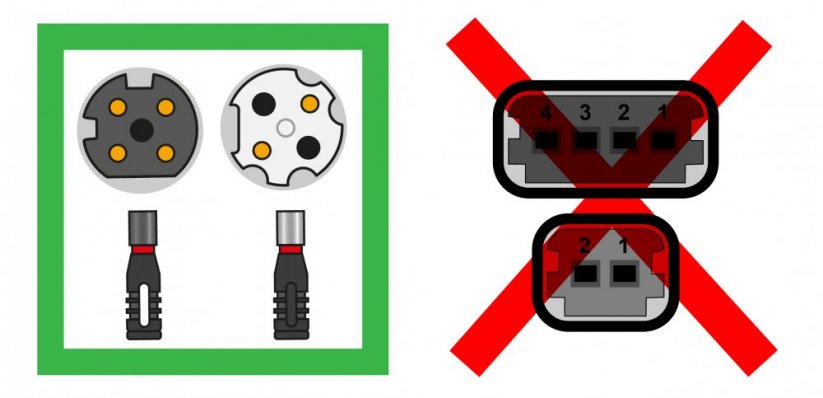
Installation is built around original connectors. As a result, the plugs join without twisting: you push them together in the locking direction. Nothing gets cut and nothing gets soldered, so the wiring loom stays intact.
Control sits entirely in the handlebar unit, which matters on rides where a phone is impractical. Furthermore, the display readout gives immediate feedback about the active state. A 2.5 reading confirms stock mode, while 3.5 confirms tuning is live.
Finally, the adjustable ceiling adds flexibility. Riders can dial the limit to suit a specific closed course, then drop straight back to factory behaviour with one WALK toggle.
Frequently Asked Questions
Which motors does the SpeedBox 1.1 Bosch work with?
- Bosch Smart System motors.
- Bosch Gen4 mid-drive motors with the smart system.
Does it work with Bosch Smart System displays?
- Yes, the module is designed for Bosch Smart System displays.
- Setup happens in the display menu, starting with wheel circumference.
What speed does the module allow?
- The default limit after activation is 35 km/h.
- The ceiling can be set as high as 99 km/h.
- The manufacturer recommends keeping it at 35 km/h.
How do I turn the tuning on and off?
- Briefly engage WALK assist while holding the “-” button.
- The display shows 3.5 km/h when tuning is active.
- Engage WALK again to return to 25 km/h, shown as 2.5 km/h.
- Always do this with the bike standing still.
What if my eBike has no WALK function?
- Use the button sequence – + – + instead.
- Toggle twice between two assistance modes to engage tuning.
Will the speedometer show my real speed?
- No, actual speed is not displayed while tuning is active.
- Choose the SpeedBox 1.1 Bluetooth version with the SpeedBox app for real speed and ride data.
Is it compatible with Bosch ABS or Rim Magnet?
- No, this version does not support Bosch Rim Magnet or ABS.
- It also does not work with the SpeedBox App.
- Bikes with those components need a different SpeedBox model.
Does installation require cutting wires?
- No, the module uses original connectors.
- Plugs are joined in the locking direction without twisting.
The SpeedBox 1.1 Bosch gives Smart System and Gen4 riders a straightforward way to lift the 25 km/h cap and restore it just as quickly. Set the wheel circumference once, then switch between 25 km/h and 35 km/h from the bars whenever conditions call for it.

There are no reviews yet.