



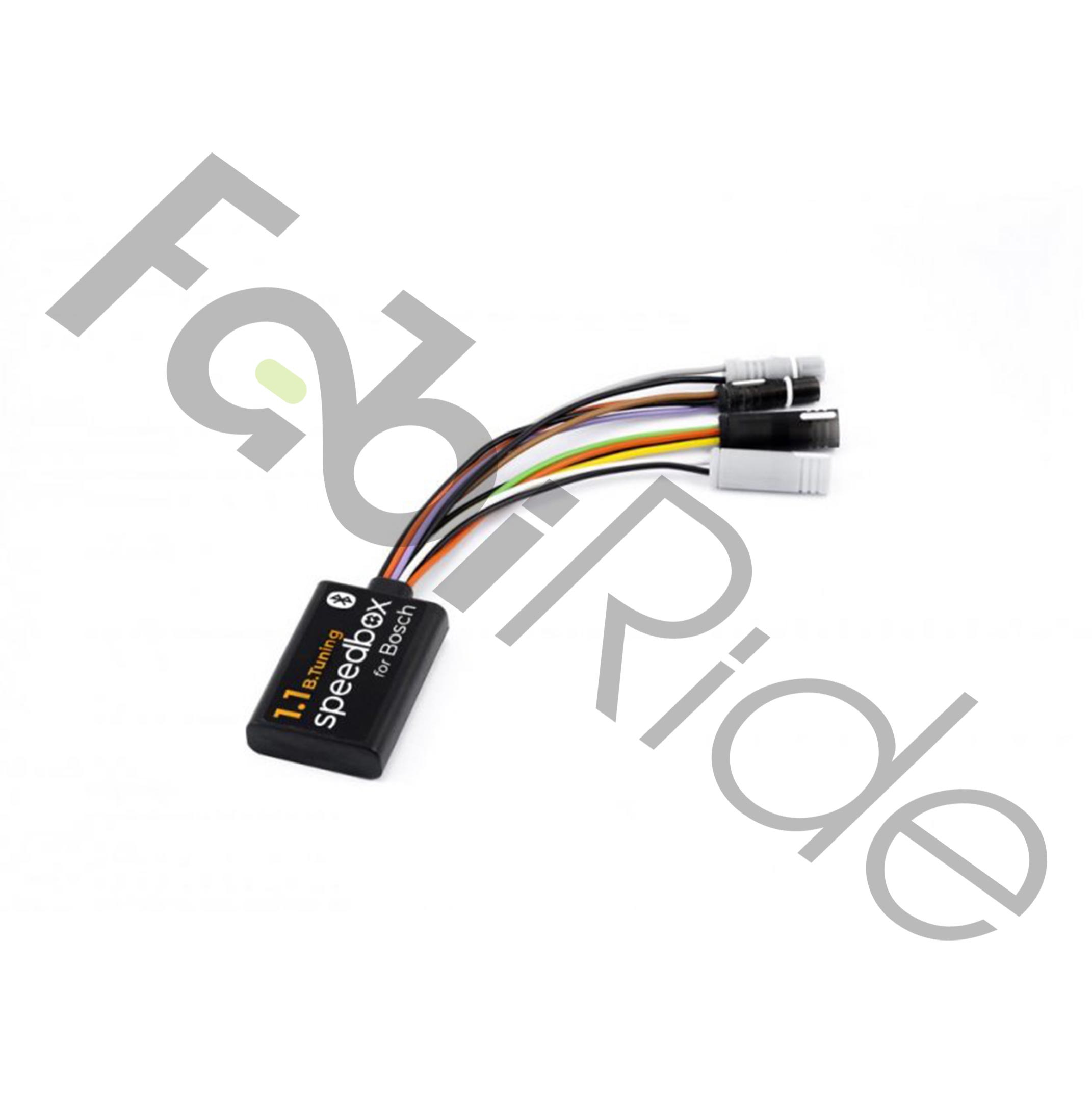
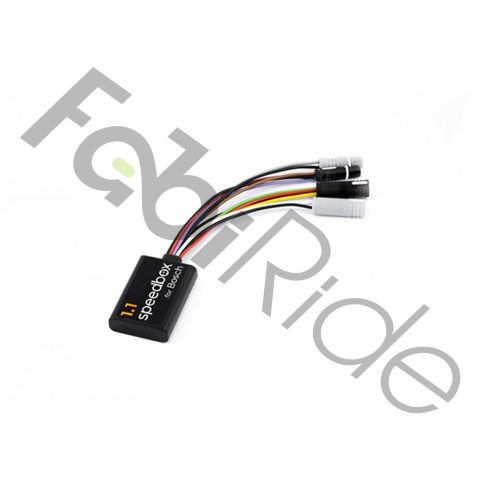
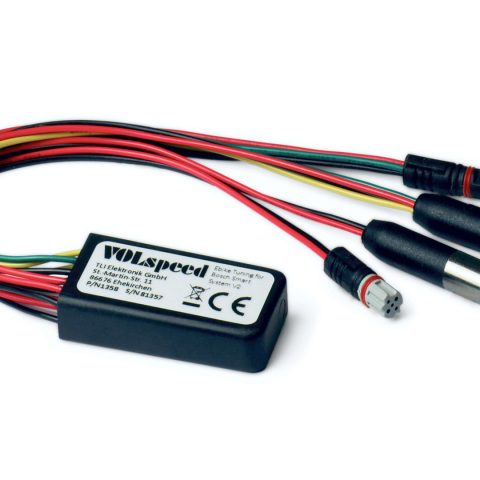
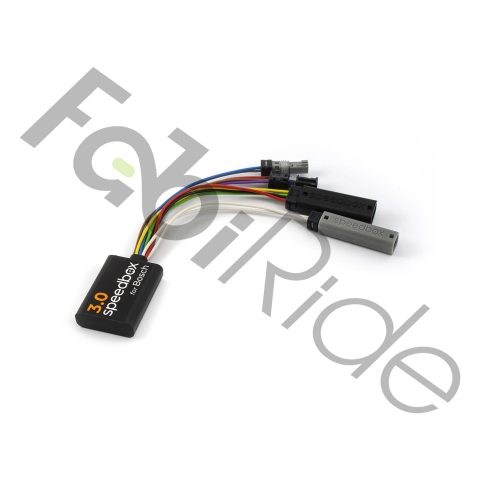
The SpeedBox 1.1 B.Tuning is a Bluetooth tuning chip built for e-bikes running Bosch Gen4 Smart System mid-drive motors, including the Performance Line CX Smart System. It removes the factory 25 km/h speed limit. Pedal assistance therefore continues well beyond the stock cut-off point.
By default, the assistance limit sits at roughly 35 km/h. You can raise that ceiling in steps up to 99 km/h using the motor mode buttons. Real speed and real distance stay visible through the SpeedBox App on Android and iOS.
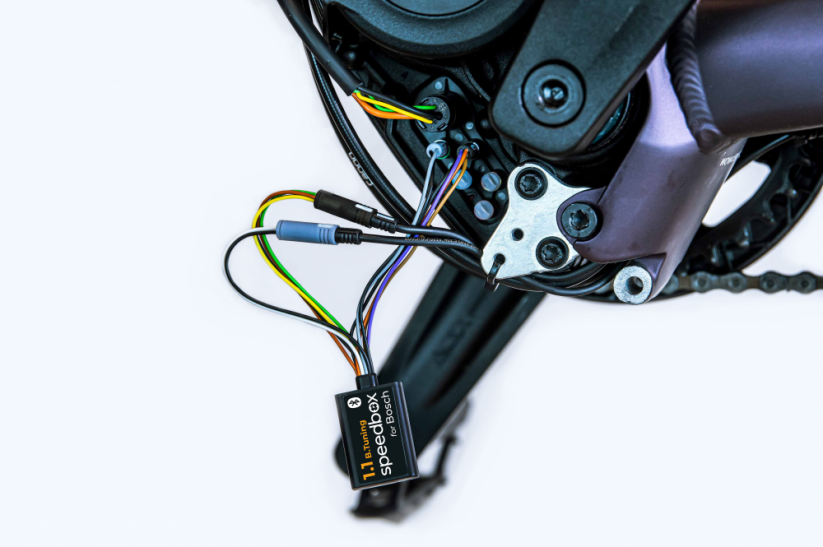
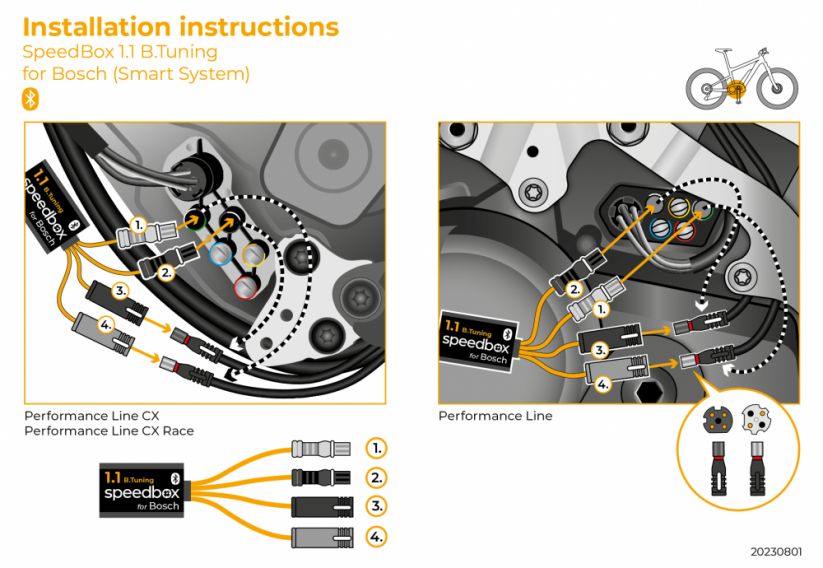
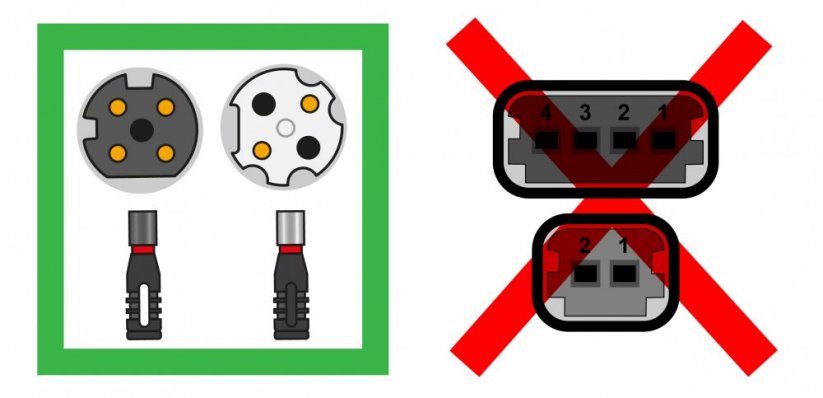
The module connects between the original Bosch Smart System connectors. Installation is therefore plug-and-play, with no cable cutting and no wiring modifications. Importantly, this chip does not increase motor power. It only alters the speed signal reaching the drive unit, so the motor keeps assisting above 25 km/h.
Key Benefits
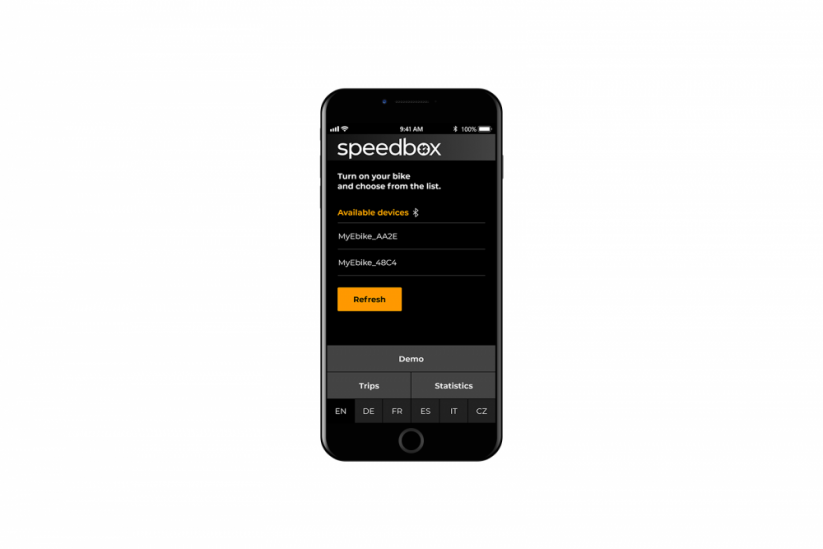
- Bluetooth connectivity – pairs with the SpeedBox App on Android and iOS phones.
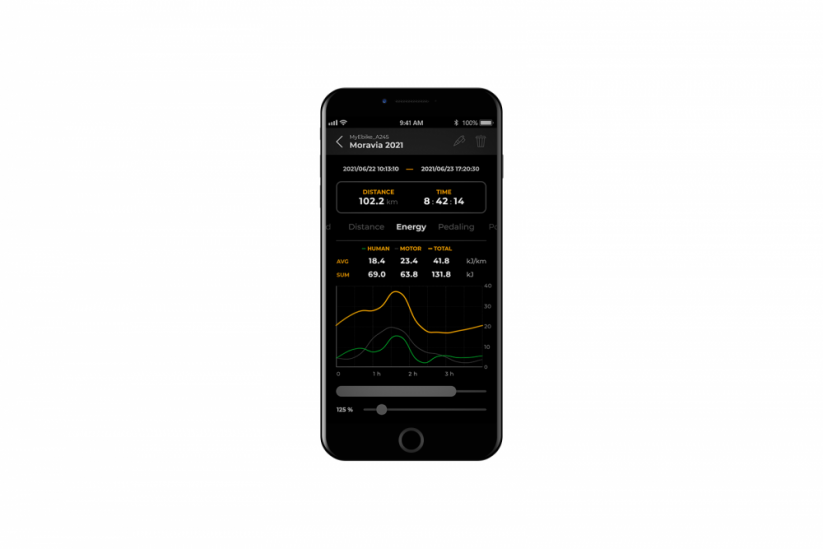
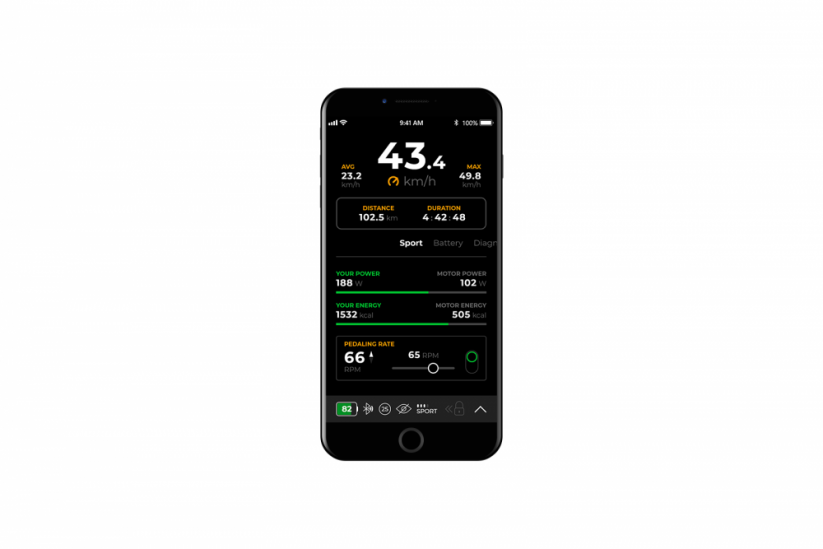
- Real riding data – the app shows true speed, true mileage, average and maximum speed, plus session statistics.
- Fast on/off switching – activate through WALK mode or the – + – + button combination.
- Adjustable assistance limit – around 35 km/h as standard, configurable up to 99 km/h.
- Original SpeedBox connectors – plugs straight into the Smart System harness without rework.
- Instant OEM return – switch the chip off and the bike runs on its 25 km/h limiter again.
- No display swap needed – your standard Smart System display stays in place, and no extra controller is required.
- Signal-only tuning – motor output stays untouched, since only the transmitted speed value changes.
Who Is This For
This module suits e-bikes fitted with Bosch Gen4 Smart System mid-drive motors. That family includes the Performance Line CX Smart System and other Smart System drive units. Your bike also needs a Smart System display or controller with a WALK function, or one that accepts the – + – + combination.
There are clear exceptions. The chip does not work with the Bosch Rim Magnet solution, and it is not compatible with the ABS system. Older Bosch Active and Performance Gen2-Gen3 motors without Smart System are also outside its range.
Riders on Shimano, Yamaha or Brose mid-drive motors need a different SpeedBox version instead. This product is intended for riding on closed grounds, private property and off-road trails. Higher speeds demand suitable brakes, suitable tyres and confident riding skills.
How Activation Works
- First start-up – set the wheel circumference in the menu. Without this step, some functions stay inactive.
- Activation while stationary – briefly trigger WALK while holding the “-” button. The display shows 3.5 km/h, confirming the chip is live.
- Deactivation – briefly trigger WALK again. The display shows 2.5 km/h and the 25 km/h OEM mode returns.
- Without WALK – use the – + – + button combination instead.
- Changing the limit – cycle TURBO → eMTB → TOUR+ → ECO → TOUR+ → eMTB → TURBO, then tap WALK briefly or spin the rear wheel a full 360°.
- Reading the values – 2.5 = 25 km/h, 3.0 = 30 km/h, 3.5 = 35 km/h, up to 9.9 = 99 km/h.
- Saving – the setting stores itself after roughly 15 seconds of inactivity.
Installation and Everyday Use
Push each connector in straight, following the direction of the lock. Never twist the plugs during assembly. If your bike is brand new, ride at least 10 km before activating the chip.
After a ride, leave the bike switched on. Wait until the display reads 0.0 km/h and the countdown finishes. Only then shut the system down, and do not remove the display beforehand.
During short stops, keep one foot resting on a pedal. As a result, the countdown does not begin and your ride continues smoothly. After a long ride, that countdown can take several minutes. Always switch the chip on or off while the bike is stationary, never while riding.
Technical Specifications
| Model | SpeedBox 1.1 B.Tuning |
| Compatible motors | Bosch Gen4 with Smart System (e.g. Performance Line CX Smart System) |
| Displays / controllers | Smart System environment with WALK function or – + – + combination |
| Connectivity | Bluetooth, SpeedBox App (Android / iOS) |
| Activation / deactivation | WALK: 3.5 km/h = ON; 2.5 km/h = OFF, or – + – + |
| Default assistance limit | Approximately 35 km/h |
| Maximum adjustable limit | 99 km/h |
| Speedometer shows true speed | No – real data appears in the SpeedBox App |
| Not compatible with | Bosch Rim Magnet, ABS system, Bosch Active and Performance Gen2-Gen3 without Smart System |
| Installation | Plug-and-play through original Smart System connectors |
Why Choose This Module
Many tuning solutions require display swaps or cut wiring. This one does neither. The original connectors slot together directly, so the bike stays reversible at any moment.
The Bluetooth link is the second real advantage. Rather than guessing your pace from a shifted display reading, you get true speed, true mileage and full session statistics inside the SpeedBox App.
Finally, the limit itself is yours to set. Riders who only want a modest step above stock can stay near 35 km/h, while others can push the configured ceiling considerably higher.
Frequently Asked Questions
Does the SpeedBox 1.1 fit the Bosch Performance Line CX Smart System?
- Yes, it is designed for Bosch Gen4 Smart System motors.
- The Performance Line CX Smart System is part of that family.
Will it work with older Bosch Active or Performance Gen2-Gen3 motors?
- No, those drive units lack the Smart System platform.
- Shimano, Yamaha and Brose motors require a different SpeedBox version.
Does the chip increase motor power?
- No, power output remains unchanged.
- It modifies the speed signal reaching the drive unit only.
How do I switch it on and off?
- Briefly trigger WALK while holding “-” to activate; 3.5 km/h confirms it.
- Trigger WALK again to return to the 25 km/h OEM mode at 2.5 km/h.
- Bikes without WALK use the – + – + combination.
Can I go back to the standard limiter?
- Yes, deactivating the chip restores the factory 25 km/h limit.
- No display change or rewiring is involved.
Is it compatible with Bosch ABS or the Rim Magnet?
- No, both setups fall outside its compatibility range.
What does the SpeedBox App show?
- Real speed, real mileage, average and maximum speed.
- Session statistics, on Android and iOS devices.
Do I need to prepare a new bike first?
- Yes, ride at least 10 km before activating the chip.
- Set the wheel circumference in the menu at first start-up.
The SpeedBox 1.1 B.Tuning gives Bosch Smart System riders an adjustable assistance limit, honest data in the app and a clean route back to stock. Ride it on closed grounds, private land and off-road trails, with brakes and tyres matched to your speed.
There are no reviews yet.